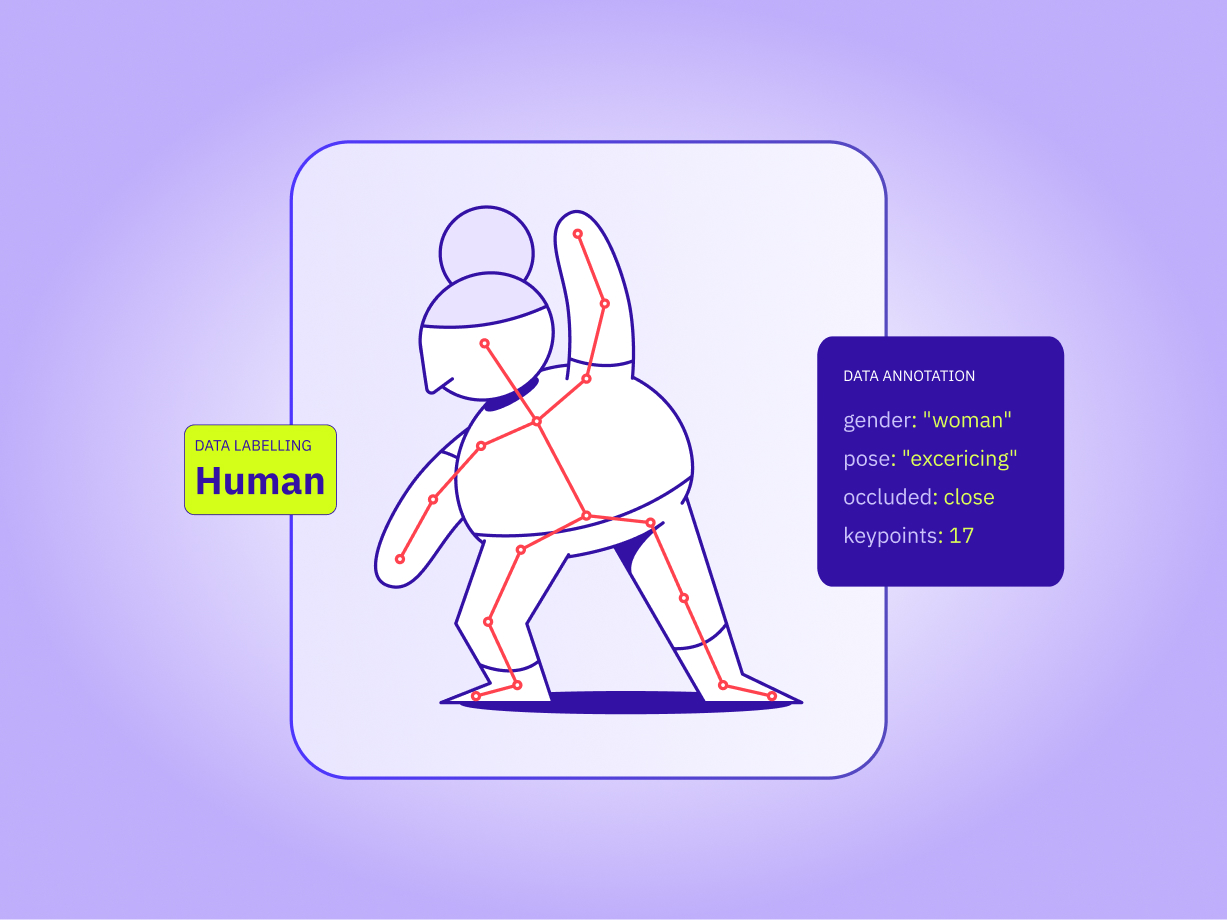
Data Annotation vs Data Labeling: Is There a Difference?
TL;DR
- Data labeling assigns a tag to a data point; annotation adds boxes, polygons, entities or relationships.
- Teams use the two terms interchangeably, and most vendor guides treat labeling as a subset of annotation.
- The difference that affects your project is the output type, because it decides how you check quality.
- Spec your vendor on output format and QC method, not on which word the SOW uses.
- Taskmonk runs both in one workflow and scores each with the metric that fits the output.
Is a bounding box a label or an annotation? Both answers are defensible, which is why engineers and vendors can read the same statement of work and expect different deliverables.
Here’s the practical version of the data annotation vs data labeling question. Labeling attaches a tag to a data point. Annotation includes that and adds markup inside the data, such as boxes, polygons, entity spans and timestamps. Most teams swap the terms freely, and the difference only starts to cost money when the output type changes.
This guide covers where the two terms overlap, where they split and why the split matters most in quality control. If you want the full process first, start with our data labeling guide.
What is the difference between data annotation and data labeling?
Data labeling assigns a predefined tag or category to a data point, such as marking an email as spam. Data annotation is the broader practice and adds richer markup, such as bounding boxes, polygons, entity spans or relationships. Labeling is a subset of annotation, and many teams use both terms for the same work.
The overlap exists because the end product is the same: a dataset a model can learn from. A product photo tagged “footwear” is labeled data. The same photo with a box around each shoe and a tag on every box is annotated data, and nobody would object if you called it labeled too. The data labeling basics are identical in both cases, because a human decides what the data means and the model learns from that decision.
It helps to treat the distinction as a spectrum of output complexity. A single class per file sits at one end, and many objects per frame sit at the other, each with a shape, attributes and links to its neighbors.
Pro tip: Ask what the model has to output, not what the task is called. A classifier needs one label per item. A detector needs a box and a class for every object. That answer sets your tooling and your QC plan before you talk to any vendor.
How does the industry use data annotation vs data labeling?
In practice, usage follows habit more than definition. Most vendor guides, and the AI summary Google shows for this query, put labeling inside annotation and describe labeling as the simpler, higher-volume work. A smaller group says the two terms mean the same thing and that the split is marketing.
Both camps are partly right. Spatial work such as boxes and polygons usually gets called annotation, and category work such as spam filtering usually gets called labeling. Neither habit is a formal standard, so a vendor who says “labeling” may still deliver boxes.
Search behavior splits the same way. “Data annotation” draws a far larger audience than “data labeling,” and a good share of that audience is looking for gig work, not a vendor. If you’re buying services, expect both words on vendor sites and treat them as synonyms until the output spec says otherwise.
Data annotation vs data labeling: scope, output, tools and examples
Here’s the data annotation vs data labeling comparison on the dimensions that change a project plan.
Comparison: data labeling vs data annotation
| Dimension | Data labeling | Data annotation |
|---|---|---|
| Scope | Assigns a predefined tag or category to a whole item | Adds spatial, structural or contextual markup inside an item |
| Typical output | One class or value per item | Boxes, polygons, keypoints, entity spans, timestamps, relationships |
| Typical QC method | Consensus across annotators or reviewer approval | Overlap scoring such as IoU, plus reviewer correction |
| Typical tooling | Classification form with dropdown or radio fields | Canvas tools for boxes, polygons, masks, point clouds and timelines |
| Examples | Spam or not spam; product category; positive or negative sentiment | Cars boxed in a dashcam frame; entities in a contract; speakers in a call recording |
Data annotation (umbrella)
├── Labeling → one tag per item (spam, dog, positive)
├── Spatial markup → boxes, polygons, keypoints, point clouds
├── Text markup → entities, spans, relations
└── Temporal markup → audio segments, speakers, video tracks
Read the table as a rule of thumb, not a boundary. Real projects mix both, as the examples by data type below show.
Budgeting for labeling and annotation work?
See how Taskmonk prices platform access and managed annotation. Check Taskmonk pricing
What do data labeling and annotation look like by data type?
The same raw file can end up labeled or annotated, depending on what your model has to learn.
Image data
Labeling tags a product photo as “footwear.” Annotation draws a box around each shoe or traces its outline with a polygon so a detector can find it. Segmentation goes further and assigns a class to every pixel, which is why teams compare image annotation platforms on their segmentation tools before anything else.
Text data
Labeling marks a support ticket as “billing.” Annotation tags the entities inside it, such as the customer name, order ID and product, using named entity recognition.
Audio data
Labeling marks a clip as “angry caller.” Annotation transcribes the speech, splits it by speaker and time-stamps each segment so a speech model can learn from it. Teams building voice products usually need audio annotation at the segment level.
Video data
Labeling tags a clip as “near miss.” Annotation tracks each vehicle across frames with a persistent object ID, so the model learns motion and not just appearance.
3D and LiDAR data
Labeling tags a scan as “highway.” Annotation draws 3D boxes around cars and pedestrians in the point cloud, often synced to the matching camera frame, so a perception model can learn depth. This is the heaviest form of LiDAR annotation work, and it’s where output complexity drives cost most.
Pro tip: Mixed projects are common. A moderation pipeline might label each post as safe or unsafe and then annotate the exact span that triggered the flag. Design the task schema once so both outputs come out of the same pass.
How does QC change in data annotation vs data labeling?
Quality control is where data annotation vs data labeling stops being a vocabulary question. A label is either right or wrong, so you check it by agreement. An annotation has a degree of right, so you check it by overlap or error rate.
For class tags, a consensus workflow works well: several annotators tag the same item and the majority value becomes the answer. For boxes and polygons, agreement isn’t binary. Two boxes can overlap by 90% and still differ by a few pixels, so teams score them with Intersection over Union (IoU), which divides the overlap between a drawn shape and the reference shape by their combined area. For transcripts, the standard score is word error rate (WER).
How output type maps to QC method
| Output type | Example task | How to score it | Taskmonk mechanism |
|---|---|---|---|
| Class tag | Product category | Agreement across annotators | Majority Vote with a configurable Consensus Percentage |
| Bounding box | Vehicles in a frame | IoU: 0.75 and above is Excellent, 0.50 to 0.75 Good, 0.25 to 0.50 Fair, below 0.25 Poor | IoU quality bands, Precision and Recall, missed and extra counts |
| Segmentation mask | Road surface | Pixel-level IoU and area mismatch | Jaccard Index, area-mismatch % and per-class expected area |
| Transcript | Call recording | Word error rate and match error rate | WER, MER and WIP reporting |
Pro tip: Pick the acceptance threshold for each output type before the pilot starts, and test it on a sample batch. An IoU cutoff that works for large vehicles can fail on small or thin objects, so one number shouldn’t govern every class.
Want your acceptance thresholds tested on real files?
Share a sample batch and the Taskmonk team will walk through how QC would be set up on it. Talk to the Taskmonk team
Which term should you use when hiring a data annotation vendor?
On data annotation vs data labeling, use whichever word your stakeholders recognize, then define the work in the spec. Vendors answer to the spec, and a spec that names the output type removes the ambiguity the vocabulary leaves behind.
A workable brief for data annotation services fits on one page:
- Output format: class tag, bounding box, polygon, entity span, transcript or track.
- Taxonomy and edge-case rules, including what annotators do with occluded, blurry or ambiguous items.
- QC method and pass threshold for each output type.
- A ground-truth set the vendor is scored against.
This distinction matters most when you’re moving from classification to detection or buying a mixed workload, because tooling, annotator training and review effort all change at that point. It matters less if your project is one class tag per item, and then you can use either word and move on. If you’re still choosing a tool, our guide on how to choose a data labeling platform covers the evaluation criteria.
How Taskmonk handles data labeling and annotation workflows
Most teams run tags and shapes in the same project, and trouble starts when the tooling treats them as separate worlds. Taskmonk handles both through three pillars: pre-labeling to cut the manual work, workflow orchestration to route and score every output, and qualified experts for the work that needs judgment.
Pre-labeling
Automated processors run when tasks are created, so annotators correct a first pass instead of starting from a blank canvas. YOLO v12 object detection pre-annotates boxes, SAM-based one-click segmentation outlines an object from a single click, and Whisper-V3-Large drafts transcripts. A generative AI processor returns structured JSON for text and document fields from a prompt you configure.
Workflow orchestration
The no-code task builder designs the task screen around the output you need, from a dropdown or radio field for a class tag to an image, video, LiDAR, audio or DICOM annotation canvas. Each output then follows the review method that fits it. Majority Vote has several annotators label the same task and takes the majority value, and a configurable Consensus Percentage sets how many tasks go to multiple annotators. The rest follow Maker-Checker review, where the QC analyst approves or rejects, or Maker-Editor review, where the reviewer corrects the label directly.
Scoring follows the output too. Image and video work gets IoU quality bands, Precision and Recall, and counts of missed and extra annotations. Segmentation uses pixel-level IoU, and audio uses WER, MER and WIP. Golden Data adds a ground-truth check by interleaving golden tasks into normal allocation, blind to the annotator, and reporting a Golden Accuracy % for both tag and shape quality.
Qualified experts
Quality depends on who does the work. Affinity routing sends tasks with a given field value, such as a language, to designated annotators, so the people who see a task are the ones qualified for it. DynamicPercentageRule then sends a share of each annotator’s tasks to QC based on their rolling accuracy over the past month, using the bands and sampling percentages you set, so review effort follows performance. If you’d rather not staff the work yourself, the same platform can run a managed annotation workforce.
Taskmonk holds a 4.6 out of 5 rating on G2. If you want to see how this runs on your own files, talk to the Taskmonk team about your output spec and how QC should be set up for it.
Conclusion
Teams that treat data annotation vs data labeling as the problem lose time arguing about vocabulary while the real risk sits in the spec. A vague statement of work produces boxes when the model needed polygons, or tags when it needed spans, and the rework surfaces only after the first batch is scored.
Teams that avoid this define the output, the taxonomy, the edge-case rules and the QC metric on one page, then let vendors use whichever word they like.
Call it labeling or call it annotation, and then write down what each task must produce and how you’ll score it.
Frequently asked questions
What is the difference between annotation and label?
A label is the tag attached to a data point, such as “dog” or “spam.” Annotation is the broader act and output of adding markup, which includes labels as well as boxes, polygons, entity spans, timestamps and relationships. Many datasets carry both, for example a bounding box (the annotation) with the class “dog” (the label).
What do data annotations mean?
Data annotations are the metadata that humans or models add to raw data so a supervised model can learn from it. In an image they might be boxes or masks, in text they’re entity spans, and in audio they’re transcripts and speaker segments. The finished set becomes your training data and, in part, the ground truth you test the model against.
What is data tagging?
Data tagging is an informal name for assigning categories or attributes to data, so in most contexts it means labeling. You’ll see it used for simple jobs such as tagging a product with its color or a message with its topic. If the job involves marking where something sits inside a file, the work is annotation.
What are data labeling tools?
Data labeling tools are the software that annotators and reviewers work in. At minimum they give you a task screen for each data type, a review workflow and an export in the format your training pipeline expects. Stronger ones add model-assisted pre-labeling and quality scoring. Our roundup of multimodal annotation tools compares the main options.
Is data labeling a subset of data annotation?
By vendor convention, yes. Labeling is the simpler category-assignment work, and annotation covers that plus richer markup. Plenty of teams still use the terms interchangeably, so don’t assume a quote for “labeling” excludes boxes or polygons. Confirm the output type in writing before work starts.
Does the term matter when buying annotation services?
It matters less than the output type does. Tooling, annotator training and review effort all rise as outputs move from tags to shapes to relationships, and quotes follow that effort. Ask each vendor to price the same sample batch against the same spec, and read how data labeling companies compare for what else to weigh.
The data platform behind enterprise AI.