Quick answer:
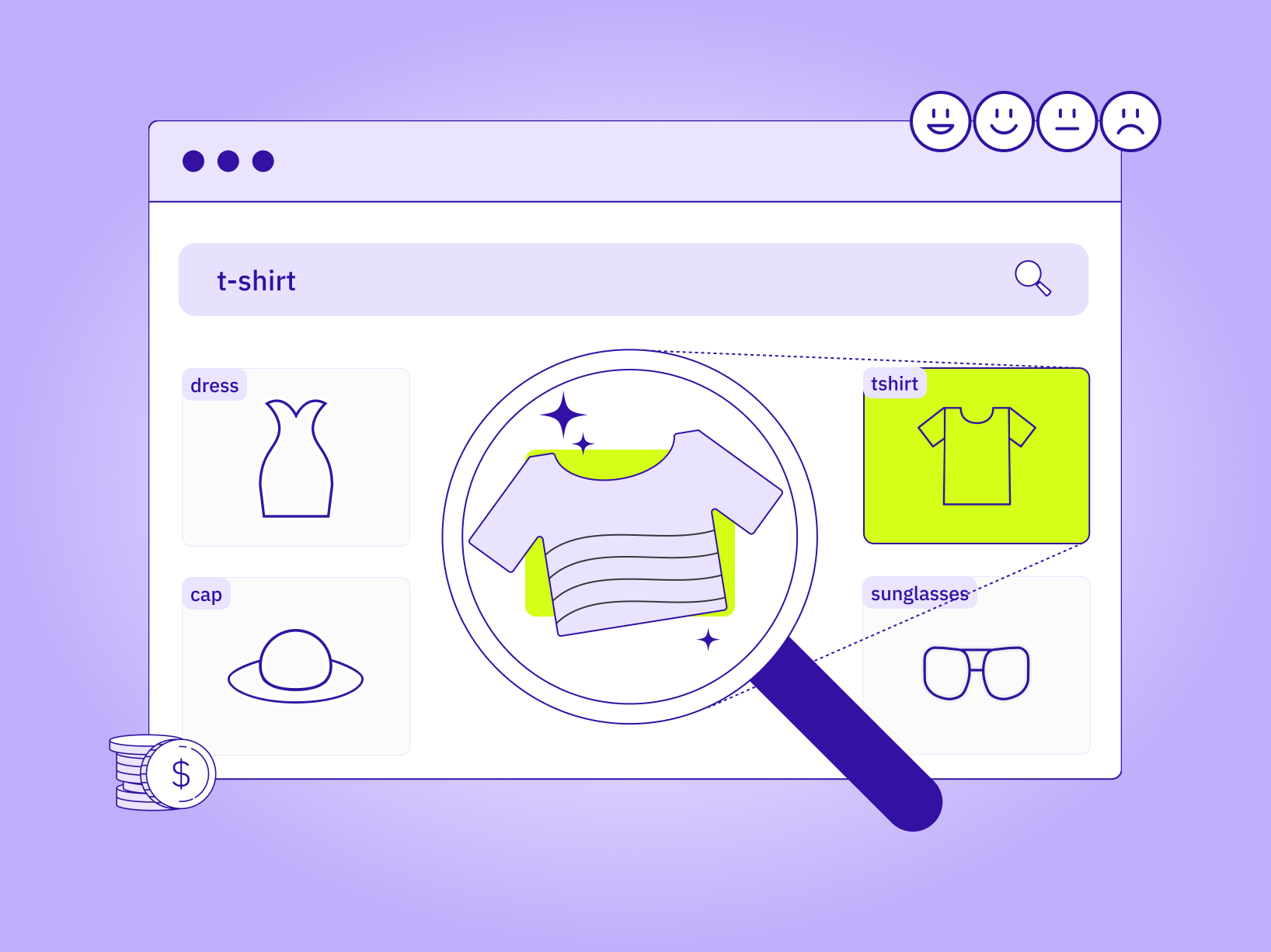
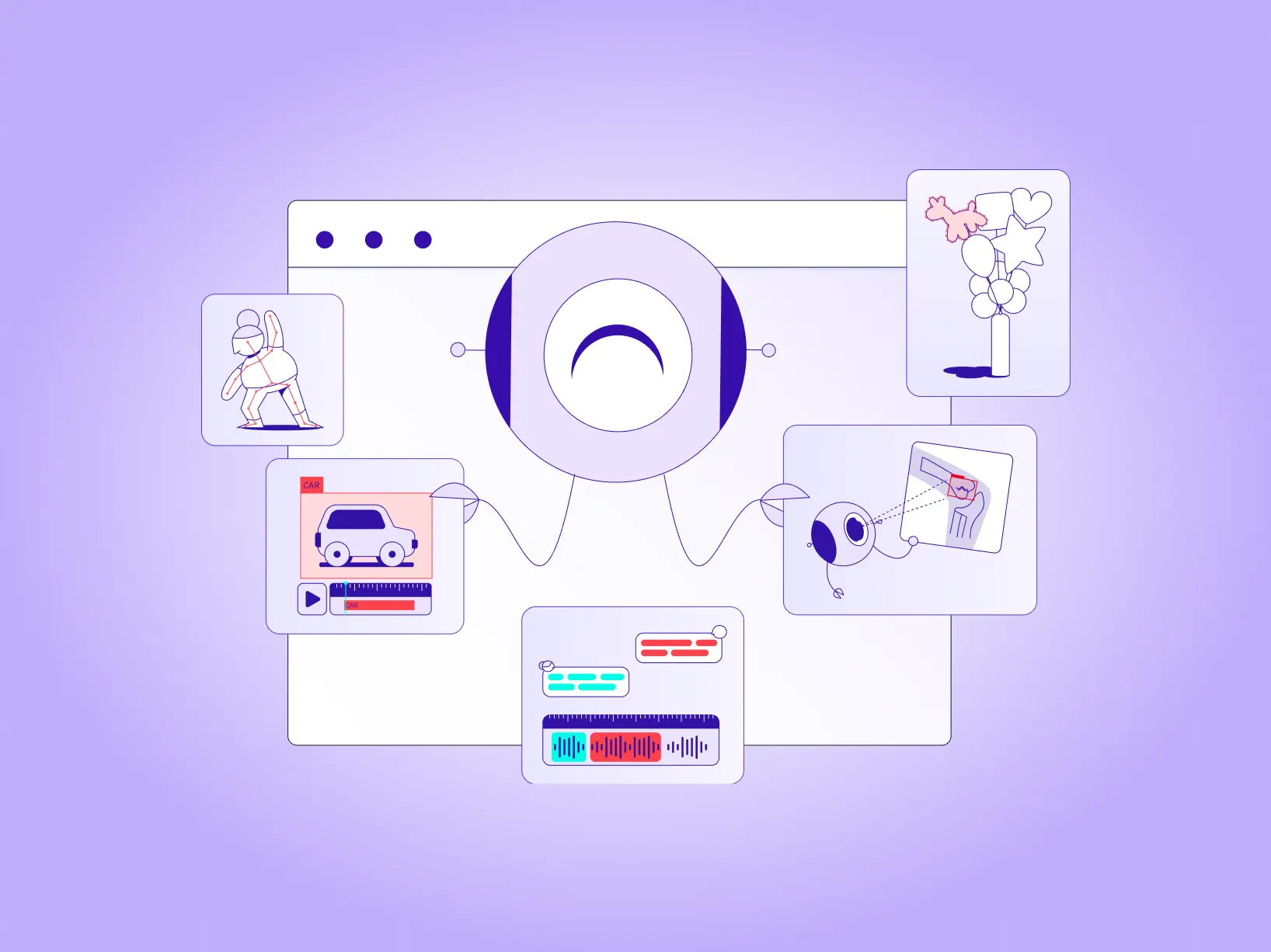
The top multimodal annotation tools in 2026 include TaskMonk, Labelbox, SuperAnnotate, Encord, CVAT, V7, Kili, Dataloop, and Supervisely. Multimodal annotation means labeling text, image, video, audio, and 3D in one workflow — prioritize consistent QA and reporting across every modality, not one tool per data type.
TL;DR
In this guide, we compare ten leading multimodal data annotation tools so you can match platforms to your data types, quality needs, and deployment constraints instead of relying on generic “top 10” lists.
We summarise what each tool is best for, call out limitations that matter, and highlight when you may want platform plus services instead of software only.
Tools discussed:
- Taskmonk
- Labelbox
- SuperAnnotate
- Encord
- CVAT
- V7 (Darwin)
- Kili
- Dataloop
- Supervisely
Introduction
Every impressive AI demo quietly hides the same unglamorous truth: behind the model, there is a lot of labeled data & and a reliable multimodal annotation platform to manage it.
Data labeling is where raw, messy inputs become learnable training data.
Images, videos, documents, call recordings, chat logs, and sensor streams need consistent tags, regions, and relationships so that a model can discover patterns instead of memorising noise, regardless of the underlying data types or data annotation types.
However, data annotation is a challenging process. Increasing data volume, diverse data modalities, and scarcity of high-quality domain-specific datasets make it difficult for companies to streamline their ML development process and keep AI & machine learning projects on schedule.
Real-world systems today are multimodal. AI models today don’t just “see” or “read”—they combine images, text, audio, video, and sometimes sensor data in the same workflow.
Multimodal annotation involves labeling several data types like images, videos, text, audio, sensor data, etc.
Labeling each of these data types in separate tools and spreadsheets makes it harder to enforce quality standards, track versions, or retrain models quickly when the world changes.. Teams end up stitching together one data annotation tool for images, another for text, and a third for audio, with QA and reporting scattered across all of them.
That’s why multimodal annotation tools have become a core part of modern AI data infrastructure.
Instead of stitching together multiple-point solutions and ad-hoc labeling tools, teams can label images, video, 3D data, documents, text, and audio in one place, apply the same quality controls and humans-in-the-loop workflows, and plug directly into their MLOps stack for faster experiments and safer production rollouts.
In other words, the right data annotation platform is as important as your model architecture, especially if you’re training vision-language models or multimodal LLMs.
In this guide, we’ll compare ten of the best multimodal data annotation tools in 2026 so you can:
- Understand which platforms support your current and future data types
- See how each annotation platform handles automation, QA and scale
- Shortlist the right data annotation tools for your team and use cases
Let’s start with a closer look at the top multimodal data annotation platforms.
Top 10 Multimodal Data Annotation Tools
Modern AI teams don’t just need a UI for drawing boxes on images but a way to manage high-volume, multimodal training data with consistent quality.
Listed below are the top 10 multimodal data annotation platforms that businesses can use to streamline their ML workflow.
Before diving into the list, it helps to understand what actually matters when choosing a multimodal annotation platform.
From our experience working with enterprise AI teams, the deciding factors tend to be:
- True multimodal coverage (text + CV + audio + documents + 3D)
- Repeatable QA frameworks
- Automation depth across modalities
- Ability to combine platform + trained workforce
- Enterprise governance, reporting, and security
Only a few platforms offer all of these natively, which is why Taskmonk often becomes the system of record for enterprises needing consistency across large multimodal datasets.
Taskmonk
Taskmonk is an all-in-one data annotation platform built for enterprise AI teams.
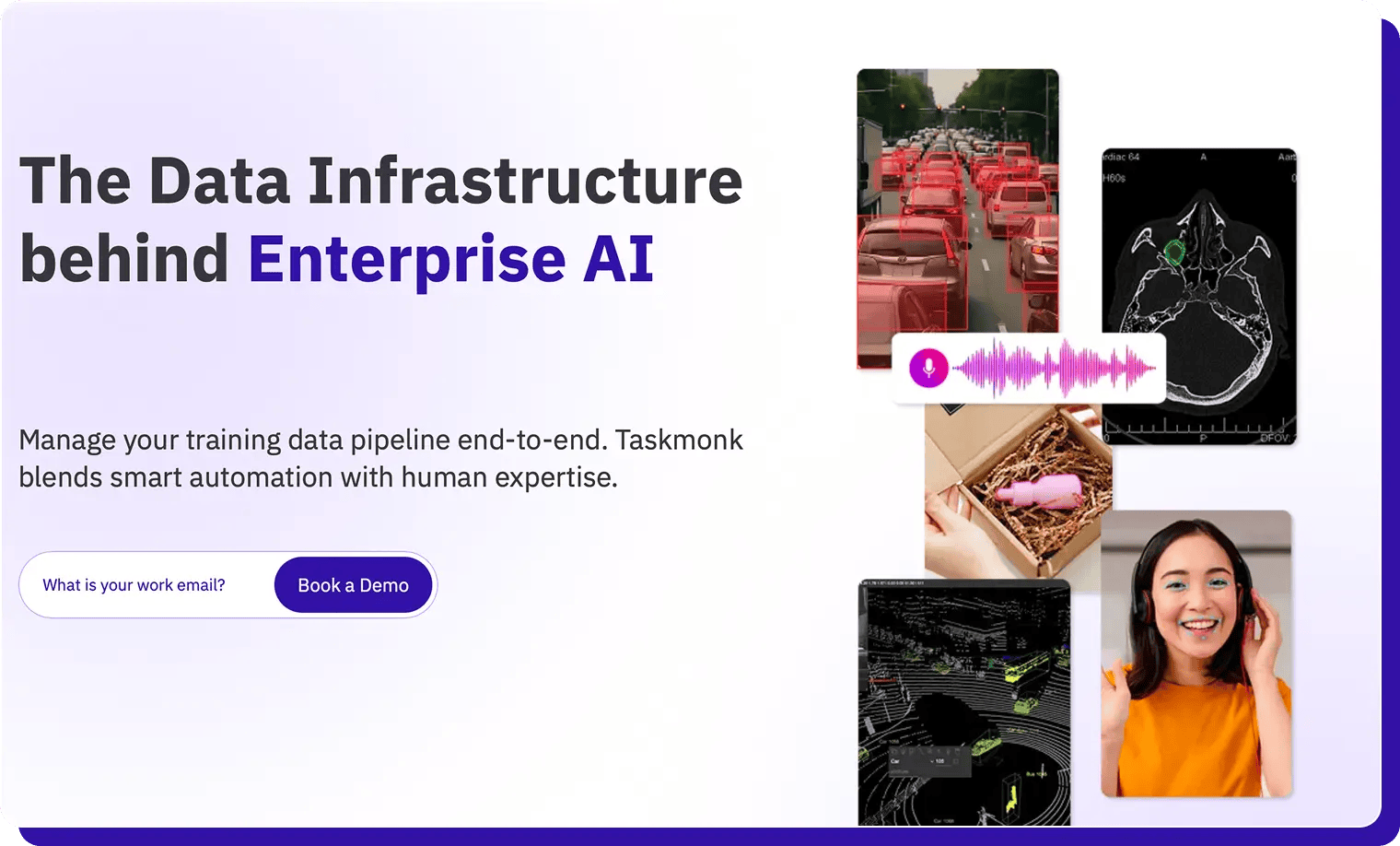
It centralizes multimodal annotation- text, images, audio, video, LiDAR, and DICOM into a single workspace, and blends AI automation with human experts to deliver high-quality training data at scale.
Many tools in the market specialize in one or two modalities or rely heavily on your internal workforce. Taskmonk provides true multimodality + automation + custom workflows + an enterprise-trained workforce in one platform.
Taskmonk was built from the ground up for multimodal workflows, unlike tools that added multimodal support later.
Key features and benefits:
Who should use Taskmonk?
Taskmonk is a strong fit if you are:
- Enterprise product / AI teams that need to unify many labeling workflows and efficiently train AI models—LLM fine-tuning, search relevance, recommendation models, fraud detection, computer vision, and RLHF on one platform rather than juggling multiple tools.
- E-commerce and marketplace leaders running large catalog, search, and recommendation pipelines where text + image + behavior signals all matter, and where throughput, QA and vendor orchestration are critical.
- Teams scaling into LiDAR, geospatial, or DICOM that want those specialized modalities on the same stack as “everyday” text and image tasks, with shared QA and reporting.
- Teams running multi-modal data annotation projects that need platform + services together, requiring a mature multimodal data annotation platform with an end-to-end services layer- workforce management, QA, calibration runs, and ongoing ops support. Taskmonk’s model of combining a data annotation tool with managed labeling services reduces vendor sprawl and gives you a single owner for data quality and delivery.
Other Signals:
- Pricing model: Taskmonk offers user-based pricing for data annotation projects. Teams typically request a demo and start with a POC that can be delivered in 24–48 hours, so stakeholders can validate workflows, quality, and throughput before scaling.
- Rating & feedback: On G2, Taskmonk holds a 4.6/5 rating in the Data annotation and labeling category.
Reviewers consistently highlight flexibility across use cases, ease of onboarding, strong quality-control features, and responsive customer support; some mention that the UI can feel dense for first-time users but improves with familiarity.
For a deeper breakdown of how to evaluate data annotation platforms, you can also read this ultimate data labeling guide.
TaskMonk pricing: Platform access is $60 per active user/month, pay-as-you-go and you're billed only for seats actually used that month, with no feature gates, no minimum commitment, and the full platform (multimodal annotation, AI-assisted labeling, custom QA, API) from day one. Enterprise adds proprietary workflows, private-cloud/on-prem, HIPAA, SSO, and a dedicated CSM (custom).
Prefer to outsource end-to-end?
Fully managed Annotation Services are scoped per project with a fixed quote before any work begins.More details here
Labelbox
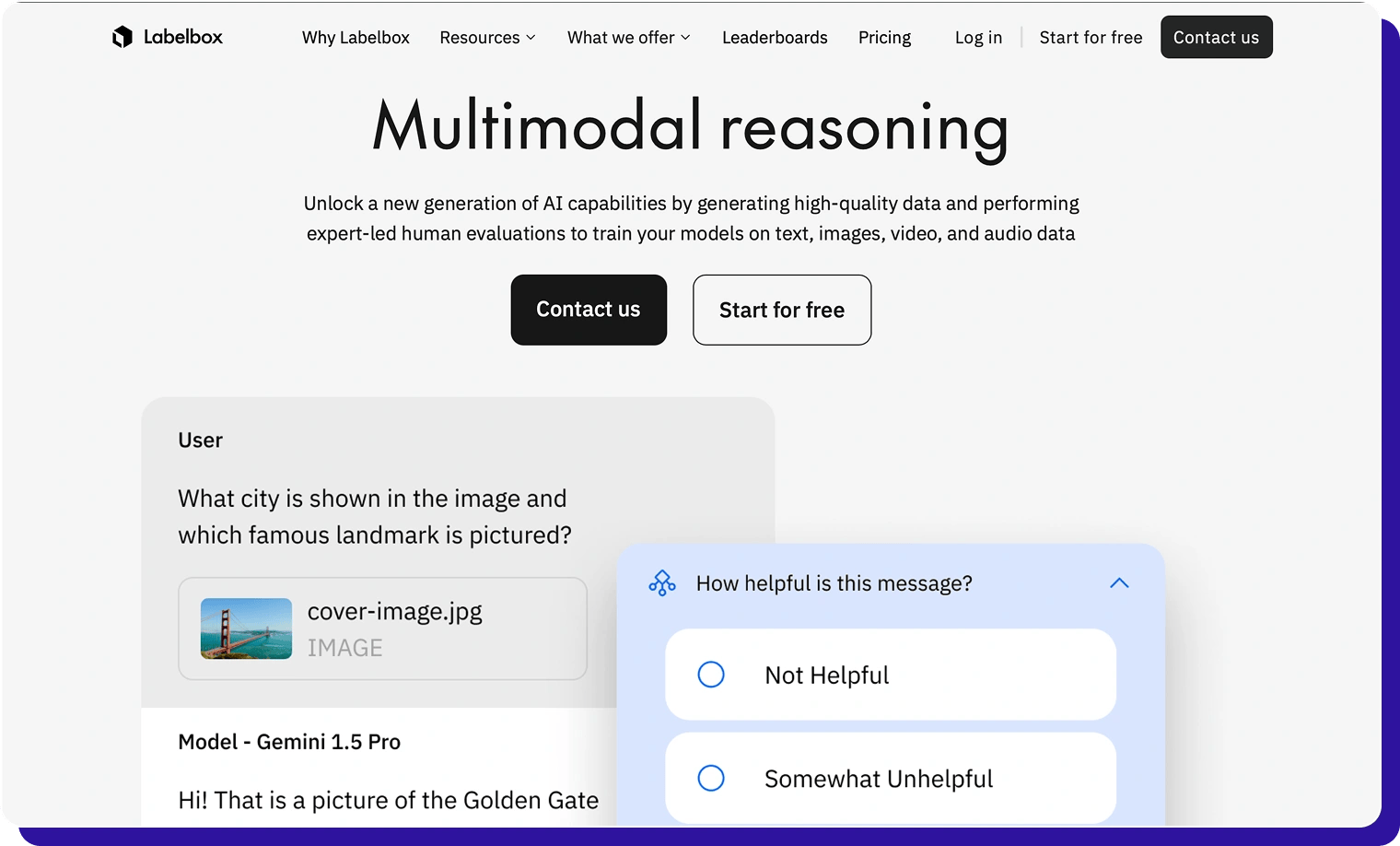
Labelbox is a multimodal data annotation and model evaluation platform used by AI teams to build and maintain training data for computer vision, NLP, geospatial and generative AI use cases.
It combines an enterprise-grade labeling UI for images, video, text, PDF documents, tiled geospatial data, medical imagery and audio with automation, analytics and integrations.
Labelbox positions itself as a “data factory” for frontier AI: you can use the software with your own workforce or pair it with Labelbox’s managed services network (Alignerrs) for fully managed labeled data and human evaluations, all within the same ecosystem.
Key features and benefits:
- Multimodal, one workspace – Native support for images, video, text, PDFs, geospatial data, medical imagery, and audio, so most annotation work happens inside a single platform.
- Model-assisted labeling (MAL) – Import model predictions as pre-labels, then have humans review and correct them to speed up labeling and keep outputs consistent.
- Configurable workflows & integrations – Ontologies, queues and review flows with SDKs/APIs to plug into cloud and MLOps stacks (e.g., Google Cloud pipelines for CV/NLP/GenAI).
- Collaboration and quality dashboards – Role-based access, review queues and quality analytics help teams coordinate multiple annotators and monitor label quality over time.
Who should use Labelbox?
- In-house AI/ML teams that want to own most of the data labeling process while still using automation and occasional managed services for scale.
- Product and research teams working across images, text, geospatial and audio who value strong SDKs, MAL and cloud-native integrations.
- Enterprises that prioritise UX and developer experience and are comfortable managing their own workforce or mixing it with Labelbox’s partner network rather than buying a bundled platform-plus-workforce.
Other signals:
- Pricing model: Usage-based pricing built on Labelbox Units (LBUs), where costs depend on data rows and model operations, with higher tiers for enterprise features and a free tier to start.
- Rating & feedback: On G2, Labelbox is rated ~4.5/5 in the Data Labeling category. Users like the interface, multimodal support, and automation; some point out that costs can rise at a very large scale and that advanced workflows have a learning curve.
SuperAnnotate
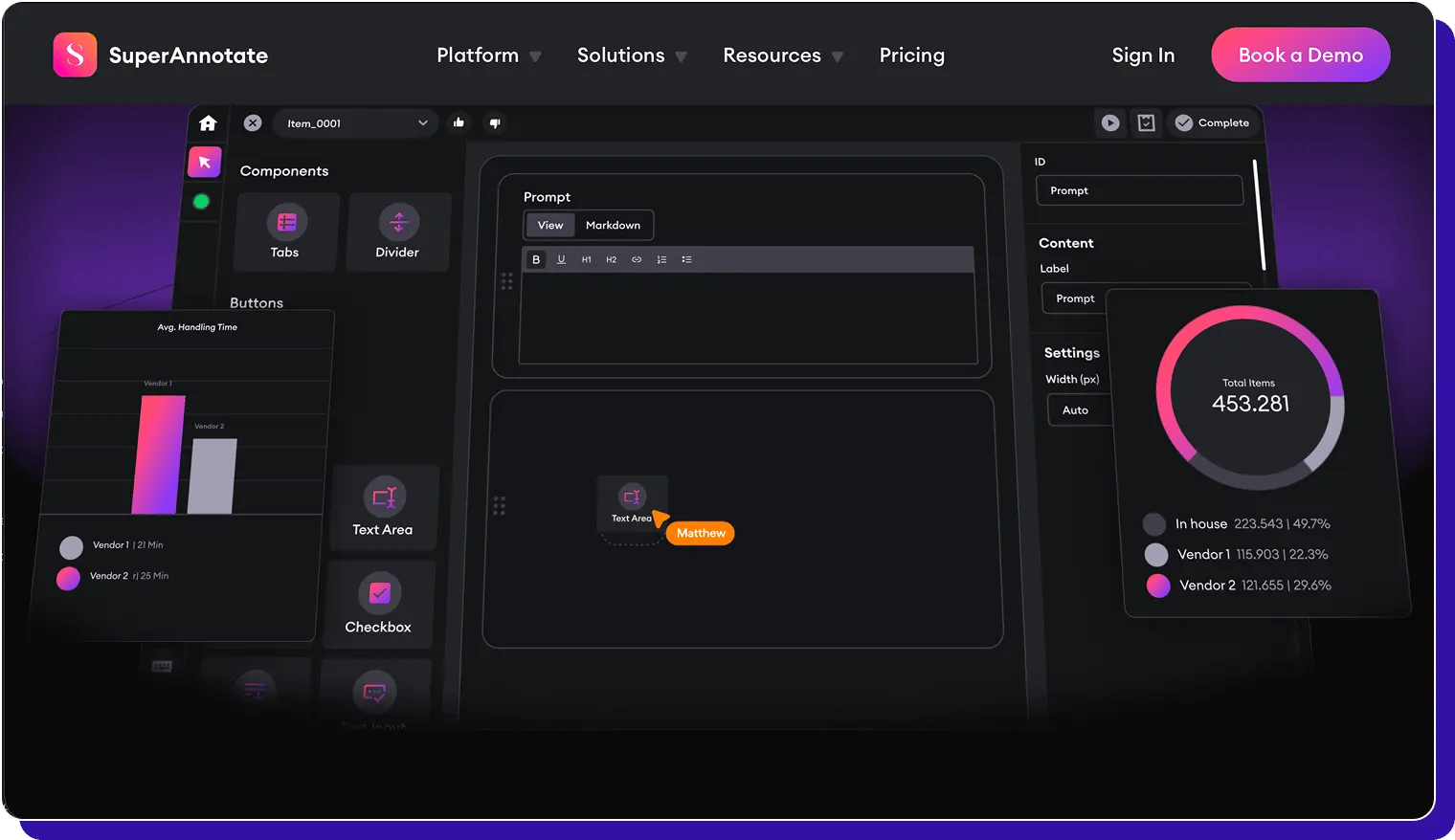
SuperAnnotate is a multimodal data annotation and evaluation platform that focuses heavily on data quality. It lets teams label images, video, text, audio and more, and feed that data directly into AI development workflows for training, fine-tuning, and RLHF/LLM projects.
SuperAnnotate is positioned as an end-to-end AI data platform: you get a customizable multimodal editor, MLOps/LLMOps features, and access to a global marketplace of vetted annotation teams.
Key features and benefits:
Who should use SuperAnnotate?
- Enterprises and scale-ups that need very high data quality, strong automation and human-in-the-loop workflows for multimodal AI (CV + text + audio + LLM projects).
- Teams running complex visual + language projects (e.g., video understanding, multimodal LLMs, medical imaging plus text) that need a flexible custom editor rather than fixed templates.
- Organizations that want a platform + workforce in one ecosystem, and are happy to leverage an external marketplace of annotation teams instead of building large in-house ops.
Other signals:
- Pricing model: SuperAnnotate offers three plans: a Free tier (for startups and academic users at $0), plus Pro and Enterprise plans with custom pricing that scale with project complexity and enterprise needs.
- Rating & feedback: SuperAnnotate has an average rating of around 4.9/5 and 160+ reviews. Users highlight data quality, support, and ease of use; common critiques mention a learning curve for advanced features and onboarding.
Encord
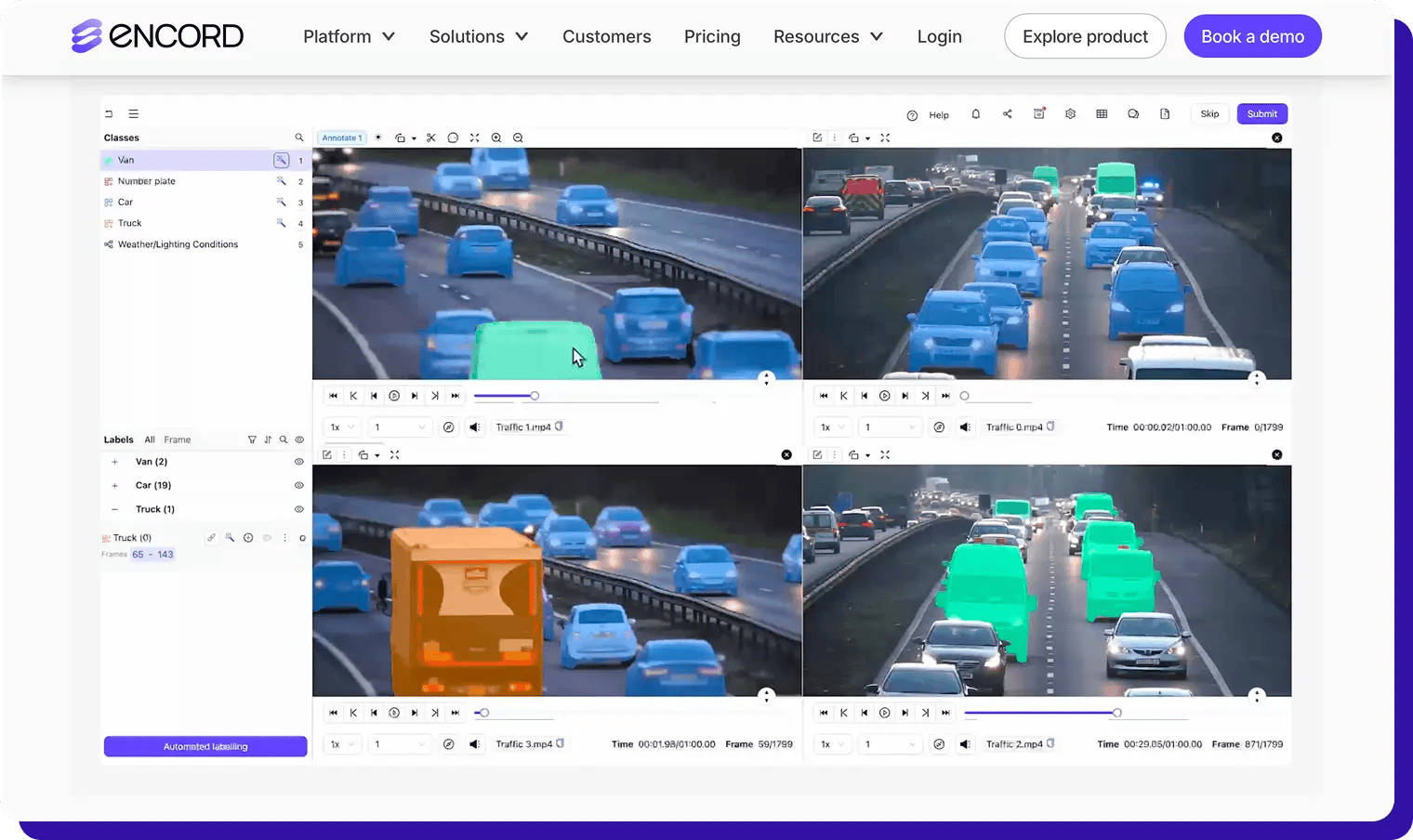
Encord is an AI data platform that helps teams manage, curate, and annotate large-scale datasets across images, video, DICO,M and other medical formats, documents, text, audio, LiDAR, and 3D point clouds in a single interface. It combines AI-assisted labeling, active learning, and model evaluation so you can continuously improve both data quality and model performance.
Key features and benefits:
- Full-stack multimodal support – Label images, long-form video, DICOM/NIfTI, ECG, documents, text, audio, geospatial, and 3D point clouds in one workspace, with specialized tooling for medical and robotics pipelines.
- AI-assisted labeling & active learning – Use automated interpolation, SAM-based segmentation, object detection, and models-in-the-loop to pre-label data, then run active learning loops (via Encord Active) to prioritize the most valuable samples for annotation.
- Data curation and quality workflows – Tools to find duplicates, outliers, and label errors, plus QA workflows and ontology management, help teams treat data curation as a first-class part of the ML pipeline, not an afterthought.
- Enterprise security for sensitive data – Encord emphasizes compliance and security (e.g., SOC 2, HIPAA, GDPR) and is widely used in healthcare, biotech, and robotics, where privacy and safety are critical.
Who should use Encord?
- Healthcare, biotech, and robotics teams that need strong support for medical imaging, 3D, and long video, with rigorous QA and compliance.
- Data-centric AI teams that care as much about data curation and active learning as about the annotation UI, and want built-in tooling to evaluate models and prioritize what to label next.
- Companies scaling GenAI and multimodal models (text + image + video + audio + 3D) and needing a single platform to manage those datasets with automation and human-in-the-loop QA.
Other signals:
- Pricing model: Encord sells primarily to enterprises via sales-led plans (“Speak to an AI expert / Book a demo”) rather than public per-seat pricing; packages typically combine the core platform with add-ons for medical imaging, active learning, and evaluation.
- Rating & feedback: On G2, Encord is rated around 4.8/5 with 60+ reviews, often noted for high label quality, strong support, and powerful automation. Some reviewers mention an initial setup/learning curve and occasional performance issues on very large datasets.
CVAT
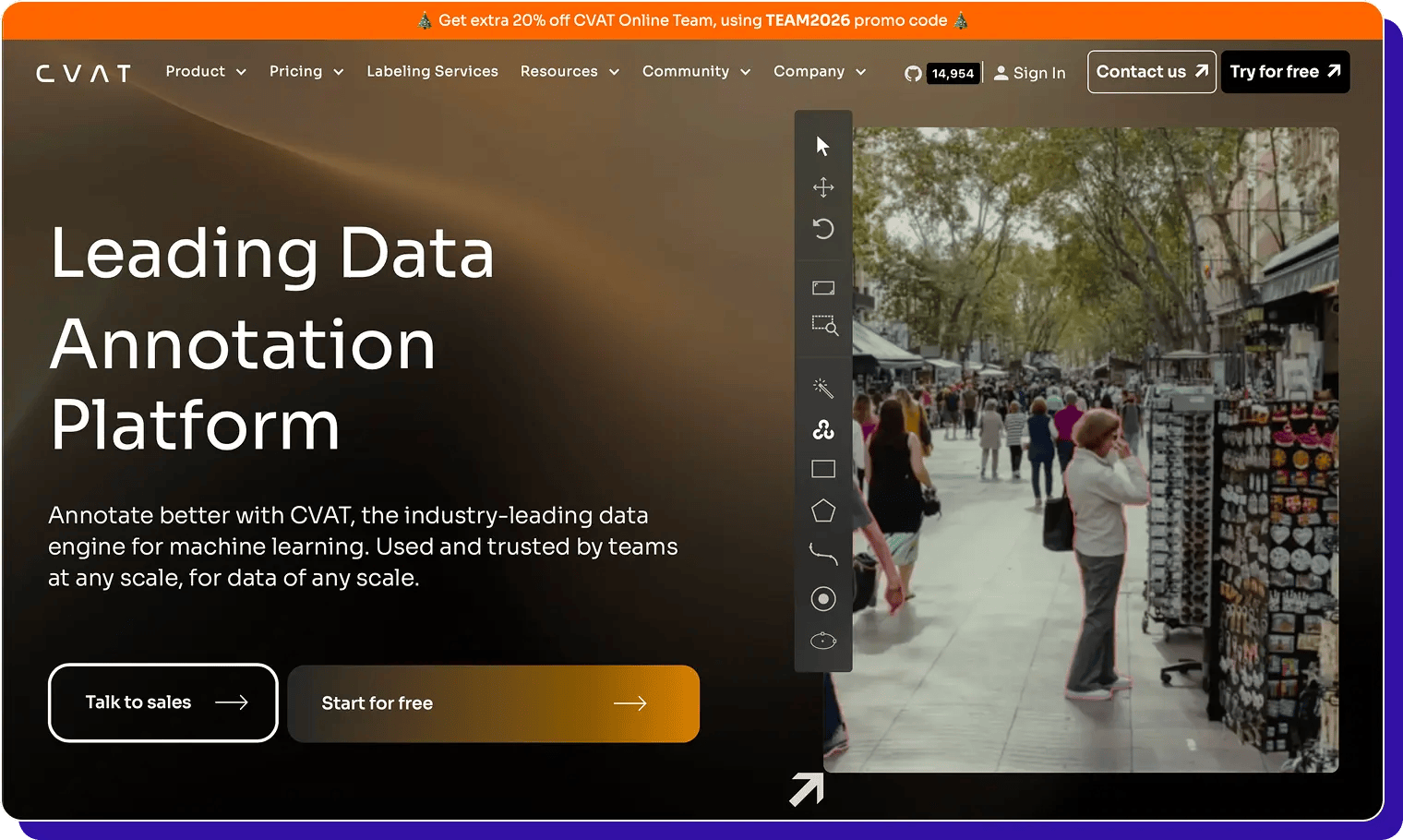
CVAT (Computer Vision Annotation Tool) is an open-source data annotation tool built primarily for computer vision projects.
Originally developed by Intel and now maintained by CVAT.ai, it’s widely used to label images, video, and 3D data for tasks like object detection, classification, segmentation, and tracking.
Teams can self-host CVAT for free or use CVAT Online, the hosted SaaS version, for easier collaboration and managed infrastructure.
Key features and benefits:
- Strong for computer-vision multimodal data – Supports image, video, and 3D object/point cloud annotation with tools for bounding boxes, polygons, masks, polylines, tracking, and 3D scenes.
- Flexible and extensible – Being open source, CVAT can be customized, integrated into internal pipelines, and run on-premise, which is useful when you have strict IT/security constraints or niche workflows.
- Efficient for repetitive tasks – Interpolation, automatic annotation using deep learning model,s and keyboard-driven workflows help speed up labeling once projects are set up.
Who should use CVAT?
- Teams focused on pure com
- Computer vision (images, video, 3D) that want a mature, open-source tool rather than a proprietary, all-in-one platform.
Caveat: If you also need text or audio annotation, CVAT is CV-only; you'll need separate tools. - Engineering-heavy organizations that are comfortable self-hosting, customizing and maintaining their own annotation infrastructure, or that need tight control over data residency.
- Smaller teams or researchers looking for a free tool to get started with image/video labeling, with the option to move up to CVAT Online as collaboration needs grow.
Other signals:
However, for multi-modal data or workflows requiring managed QA, automation, and annotator ops, teams usually complement CVAT with additional tools—areas Taskmonk covers natively.
V7 (Darwin)
V7 (Darwin) is a data labeling platform focused on computer vision and medical imaging, with strong support for images, video, DICOM/NIfTI, and microscopy data.
It combines a fast annotation UI, powerful AI-assisted tools (Auto-Annotate, SAM/SAM2), and workforce management to help teams create high-quality training data for complex visual AI use cases.
Key features and benefits:
- Visual-data first, multimodal within CV – Optimised for images, video, DICOM/NIfTI and microscopy, with tools for segmentation, polygons, keypoints, brushes and polylines. Great fit for healthcare, industrial, and robotics workloads.
- AI-assisted labeling & model-in-the-loop – Auto-Annotate, SAM/SAM2, and auto-track for video help you segment and track objects quickly; you can also plug in external models to pre-label data and compare human vs model performance.
- Custom workflows & integrations – SDKs, APIs, and storage integrations let you centralise datasets, manage labelers, and connect V7 to your ML pipelines for iterative training.
Who should use V7?
- Computer-vision heavy teams in healthcare, manufacturing, robotics, or autonomous systems that need pixel-perfect masks and strong tooling for complex visual data.
- Orgs that want fast visual labeling plus services, and are happy with a CV-first multimodal stack (images/video/medical) rather than full CV+text+audio on one platform.
Other signals:
- Pricing model: V7 Darwin uses a flexible usage-based subscription with multiple pricing editions and a free trial. You can scale capacity up or down and invite unlimited users; final pricing depends on edition and usage
- Rating & feedback: On G2, V7 Darwin is rated about 4.8/5 with 50+ reviews. Users highlight strong scalability and labeler quality scores.
Kili
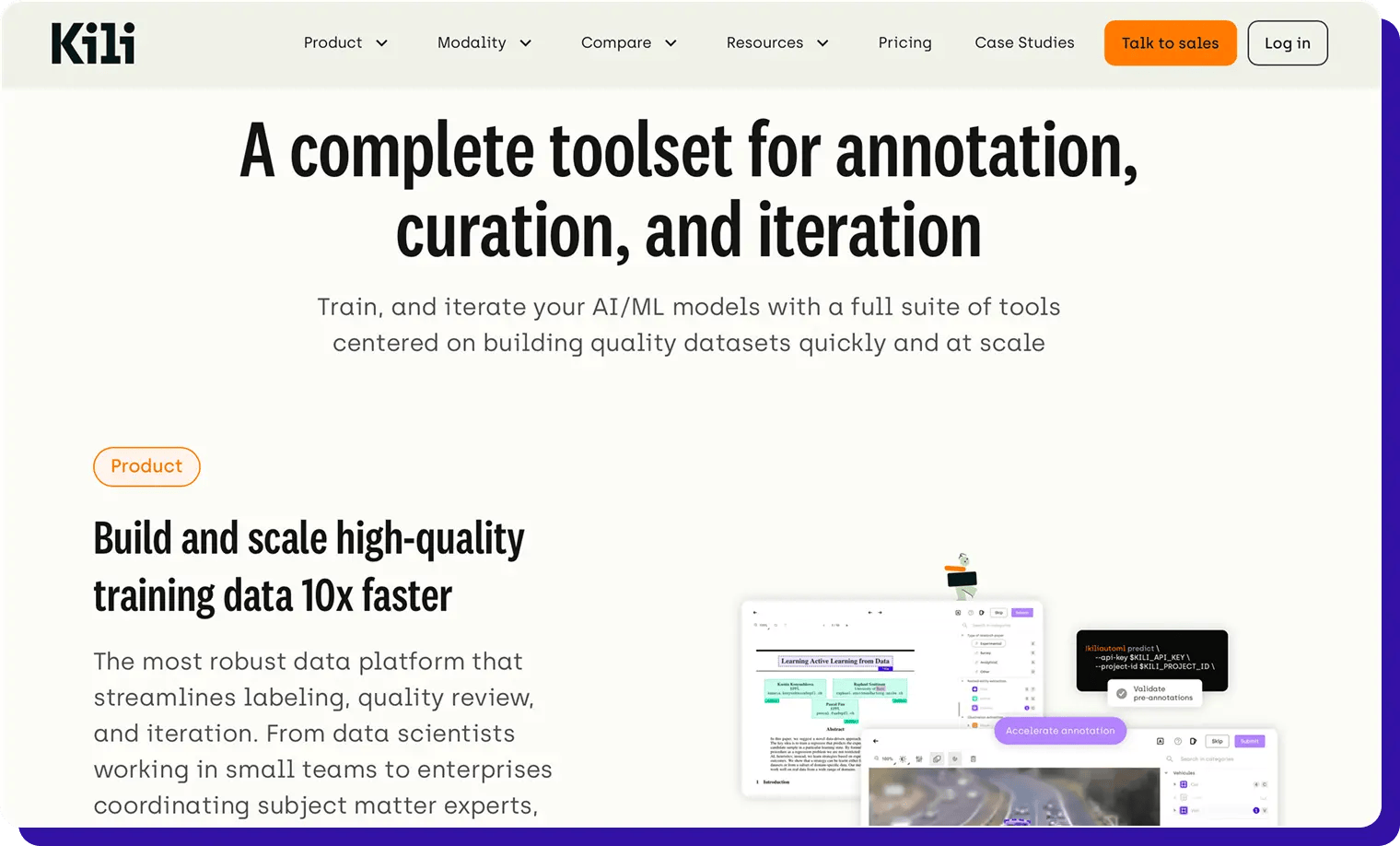
Kili is a data annotation platform built for teams that want consistent, reviewable labels across images, video, text, PDFs, audio, and geospatial data. It combines a simple UI, strong QA workflows, and model-in-the-loop features so you can keep data quality high as projects scale.
Key features and benefits:
- Multimodal, QA-first – Support for image, video, text, PDF, audi,o and satellite/geo data, with consensus labeling, review queue,s and issue tracking designed around label quality.
- Model-in-the-loop workflows – Import model predictions, run active learning loops, and use Kili’s SDK/API to plug into training pipelines, so you’re continuously improving both labels and models.
- Simple collaboration – Projects, roles, and comments make it straightforward to coordinate internal labelers, external vendors, or a mix of both from one place.
Who should use Kili?
- Product and ML teams that want a clean, QA-centric labeling tool for multimodal data without a lot of MLOps overhead.
- Companies working with sensitive or regulated data (finance, healthcare, defence) that need on-prem or VPC deployment options and detailed auditability.
Other signals:
- Pricing: Free tier for small projects, plus paid Pro and Enterprise plans with higher volumes and advanced governance; deployment can be SaaS, VPC, or on-prem.
- Rating: On G2, Kili scores around 4.7–4.8/5, with users highlighting ease of use, good support, and QA workflows; some mention pricing and a learning curve for complex setups.
Dataloop
Dataloop is an AI-ready data platform that combines data management, data labeling, and automation in one cloud-native stack. It’s designed to handle unstructured data at scale—images, video, LiDAR, audio, and text- so teams can manage, annotate, and route data through active-learning pipelines from a single place.
Key features and benefits:
- End-to-end annotation + data management – Cloud-based annotation tools for multimedia data (image, video, audio, text) with embedded automations, plus a data management layer for search, filtering, and dataset versioning.
- Active learning & quality tools – Smart data triage, outlier/error detection, and data selection optimisation help teams decide what to label next, not just how to label faster.
- Workflow & integration friendly – Built to plug into broader AI pipelines as a “data backbone” rather than a standalone labeling UI.
Who should use Dataloop?
- Teams that want data management + labeling in one place, especially when dealing with large, evolving datasets across multiple modalities.
- Enterprises building active-learning loops that need tools to prioritise high-value samples and monitor data quality, not just manage annotators.
Other signals:
- Pricing: Quote-based; Dataloop does not currently offer a permanent free plan and typically prices based on usage and deployment needs.
- Rating: On G2, Dataloop sits in the mid–high 4s (around 4.5/5), where users highlight its end-to-end nature and active-learning tools; some mention that the richness of features can feel complex at first.
Supervisely
Supervisely is a computer-vision-focused platform for curating data, labeling images, videos, 3D LiDAR/point clouds, and medical imagery, and training production models.
It’s used heavily for industrial, robotics, and medical CV workloads, combining powerful toolboxes with team collaboration and on-prem options.
Key features and benefits:
- Rich CV tooling across 2D, 3D & medical – Advanced labeling toolboxes for images, long videos, 3D LiDAR/RADAR sensor fusion and medical data, with pixel-accurate tools, object tracking and timeline-based video annotation.
- Model training & apps on top of labels – Supervisely is positioned as more than an annotation UI: you can train, deploy, and manage CV models and build internal apps on top of your annotated data.
- Deployment flexibility – Community (free), Pr,o and Enterprise editions with cloud and on-prem options, suitable for teams that need to keep CV workloads inside their own infrastructure.
Who should use Supervisely?
- Computer vision teams working on complex 2D/3D or medical imaging projects that need more than “just labeling” and want to build and iterate models in the same ecosystem.
- Organizations that value on-prem CV tooling for security or performance reasons, and want a mature feature set, even if it means a steeper learning curve for new users.
Other signals:
How to choose the right multimodal data annotation tool
Listing tools is easy. Choosing one that actually works for your data, team, and roadmap is harder.
A good way to evaluate multimodal annotation platforms is to move from the data you have to the operations you need to run, and only then to the feature checklist.
Below are practical filters you can use to narrow down the options above.
Labeling across text, image, video, audio, and 3D?
See how TaskMonk keeps one workspace and one QA standard across every modality.

Conclusion
Choosing a data annotation tool is rarely straightforward. Different platforms lean into different strengths like supported data types, annotation tools, automation, collaboration, security, or cost, and there’s no single “best” choice that fits every AI team or project.
What matters is how well a platform matches your data mix, QA standards, and the way your team actually works.
In this guide, we’ve looked at ten multimodal data annotation tools and highlighted where each one shines. The goal isn’t to crown a winner, but to make it easier for you to cut through the noise and shortlist the options that truly fit your use cases.
The direction of the industry is clear: multimodal models need unified data operations.Platforms that combine true multimodal coverage, automation, QA, and trained workforces will increasingly replace fragmented stacks.
Taskmonk is purpose-built for this shift. If you’re evaluating unified multimodal annotation platforms for 2026
Validate on your own datasets.
Start a 24–48-hour TaskMonk POC to check workflows, throughput, and quality.
Explore Taskmonk’s verticalized offerings here: industry solutions.
FAQs