Quick answer:
The best open-source image annotation tools in 2026 are CVAT, MONAI Label, LabelMe, LabelImg, Label Studio, VGG Image Annotator, and Make Sense AI. They're great for small or research projects; teams move to a managed platform once they need QA at scale, multi-annotator consistency, security, and predictable throughput.
TL;DR
If you're searching for an Open-Source Image Annotation Tool for your computer vision projects, you're likely trying to balance cost, flexibility, and control. While Open-source tools give you freedom like self-hosting, custom exports, and no vendor lock-in, the catch is that you end up trading subscription cost for setup, maintenance, and workflow discipline.
In this guide, you will find:
- Comparison of the 7 best open source image annotation tools for 2026 across annotation types, UX, collaboration, and export formats
- Tools mapped to the scenarios they fit best, like small research datasets, CV teams with QA needs, and self-hosted production pipelines
- Call out what usually breaks at scale, like role-based access, review loops, dataset versioning, and performance on large projects
- A checklist for choosing an image annotation tool, including format compatibility for object detection, segmentation, and keypoints
Here are the open-source image annotation tools discussed in this blog:
- CVAT
- MONAI Label
- LabelMe
- LabelImg
- Label Studio
- VGG Image Annotator
- Make Sense AI
If you're building small datasets, prototyping models, or running academic projects, open-source tools work well.
If you're managing multi-team labeling with QA loops and compliance needs, you’ll likely need more than just a lightweight image annotation tool.
Introduction
Computer vision today is integral to various industries, from e-commerce to medical imaging to autonomous vehicles. Open-source image annotation tools can be beneficial when a company or the annotation project is in its starting stage, and the budget is restricted.
Apart from startups and small-scale image annotation projects, academic projects also find open source tools useful, along with open source data sets like COCO.
Open source image annotation tools are popular because they are flexible. You can self-host them, adapt them to your data and security needs, and export labels in formats your training stack already understands.
But open source also comes with tradeoffs: installation effort, upgrades, dataset management, and the need to build your own review process if you care about quality.
And for commercial projects and use cases, open-source image annotation tools don’t always come with the tools and features machine learning and data operations teams need to manage projects effectively, efficiently, or at scale.


Importance of Image Annotation
Image annotation is the “ground truth” layer of computer vision. It is how raw pixels in images become structured training signals like bounding boxes, polygons, masks, keypoints, and class labels.
If your labels are inconsistent, ambiguous, or incomplete, the model learns the wrong patterns, and you feel it later as poor accuracy and model performance.
Beyond model accuracy, it affects speed to iteration, compliance & auditability, generalization, and cost control.
Image annotation is especially critical in:
- E-commerce (product and attribute recognition across changing catalogs)
- Autonomous systems (detection and segmentation for safety-critical decisions)
- Healthcare (high-precision labeling and reviewer sign-off)
- Manufacturing (defect detection where errors are costly)
7 Best Open-Source Annotation Tools for 2026
-
CVAT
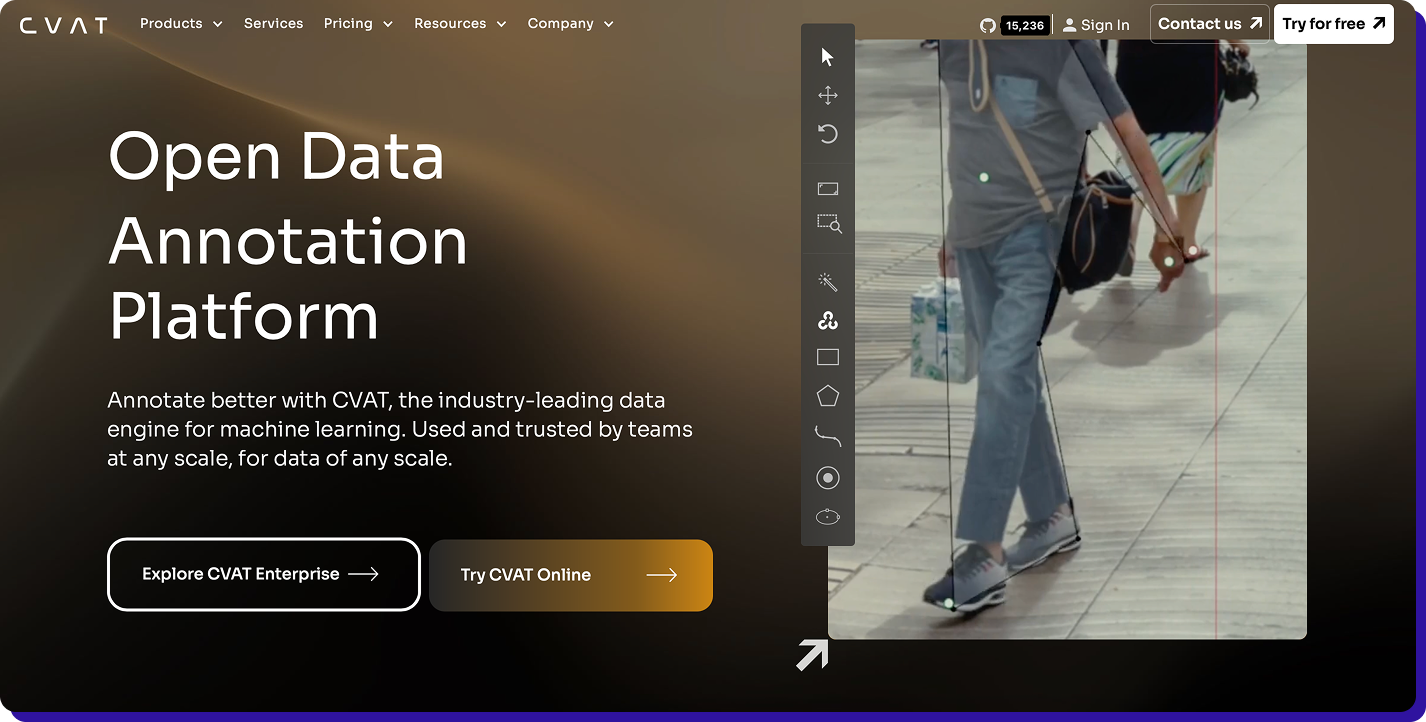
CVAT is one of the most production-proven open source tools for image and video annotation. Originally developed by Intel and now maintained by the CVAT.ai team and community, it is built for precision computer vision workflows.
What CVAT does well
- Covers most CV tasks: bounding boxes, polygons, masks (segmentation), keypoints, classification, and video tracking.
- Labeling Speed: tools like interpolation and tracking style workflows help reduce manual frame-by-frame work in video projects
- Exports in training-friendly formats: supports common dataset formats such as Pascal VOC and YOLO, reducing the need for format conversion before training.
- Works for team workflows: task assignment and review-oriented workflows make it suitable when multiple annotators are involved.
Best for- Teams that want self-hosting and control over data and users
- Image annotation where you need more than bounding boxes (segmentation, keypoints, tracking)
- Multi-annotator workflows
What to validate before committing
CVAT is feature-rich for an open source image annotation tool, so self-hosting and maintenance can be heavier than lightweight desktop tools, it requires infrastructure planning. If you are labeling a small one-off dataset, it may feel like overkill. -
MONAI Label
MONAI Label is an open source, model-assisted annotation framework built for medical imaging. Instead of being a general-purpose labeling UI, it focuses on speeding up expert workflows by serving AI model predictions inside an annotation loop, so reviewers correct and approve rather than draw everything from scratch.

What MONAI Label does well
- Optimized for medical imaging workflows: designed to work with common radiology-style tasks such as organ and lesion segmentation, where precision and repeatability matter.
- Model-assisted labeling: supports interactive and active learning style loops, where the model proposes labels and improves over time based on corrections.
- Plays well with research to production stacks: built as a server plus client workflow so teams can integrate it into pipelines instead of treating annotation as a standalone step.
Best for- Medical imaging teams labeling DICOM or 3D volumes, especially segmentation-heavy projects
- Scenarios where clinicians or specialists need a workflow that reduces repetitive manual tracing
What to validate before committing
MONAI Label is not the simplest “open a browser and label” tool. You should validate the setup effort, model performance on your modality, and how easily your team can operationalize review and QA.
If your project is general image annotation outside medical imaging, a tool like CVAT or Label Studio may be a better fit. -
LabelMe
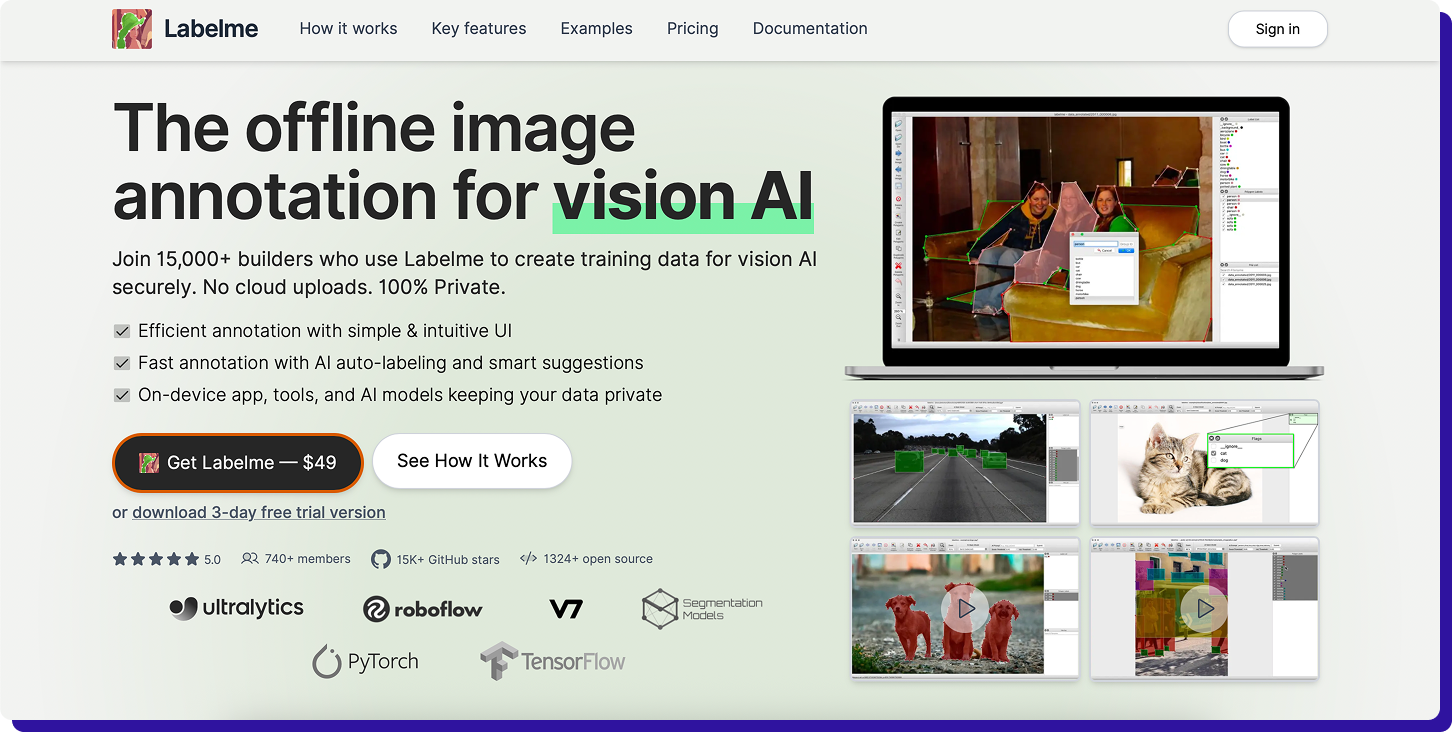
LabelMe is a lightweight, desktop-first, open source annotation tool that is best known for polygon-based labeling. It is widely used for segmentation-style datasets where you need accurate outlines, not just bounding boxes.
What LabelMe does well
- Fast polygon annotation: draw precise object boundaries with polygons and save labels per image.
- Covers common CV tasks: commonly used for instance and semantic segmentation, and can also support box detection and classification style datasets.
- Simple, local workflow: good when you want a tool that runs on a laptop without setting up a server or user management.
Best for- Solo users, academic research, or small teams creating segmentation-heavy datasets
- Projects where a straightforward, offline workflow is enough
What to validate before committing
LabelMe is not built for large team operations. Validate how you will handle review, label consistency, and format conversions if your training pipeline expects COCO or other standardized exports. -
LabelImg
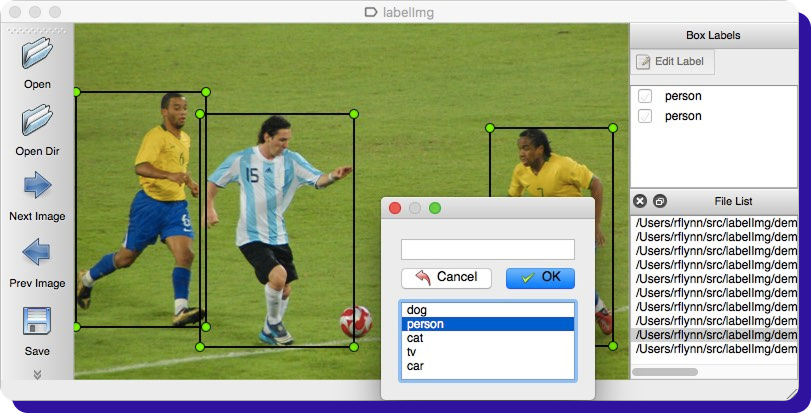
LabelImg is a classic open-source tool for bounding box annotation. It is intentionally simple, which is why it is still a common pick for object detection datasets and quick labeling jobs.
What LabelImg does well
- Very quick box labeling for object detection: draw rectangles, assign class names, and move fast with keyboard-friendly workflows.
- Exports in common detection formats: supports Pascal VOC, YOLO, and CreateML exports, which helps when your training setup expects one of these formats.
- Low setup overhead: runs as a simple GUI app, so it is easy to adopt for small datasets.
Best for- Object detection projects that only need bounding boxes
- Small teams or early-stage prototypes where speed matters more than workflow depth
What to validate before committing
LabelImg is intentionally narrow. If you need features like segmentation, keypoints, review workflows, or robust project management, you will likely outgrow it quickly. -
Label Studio
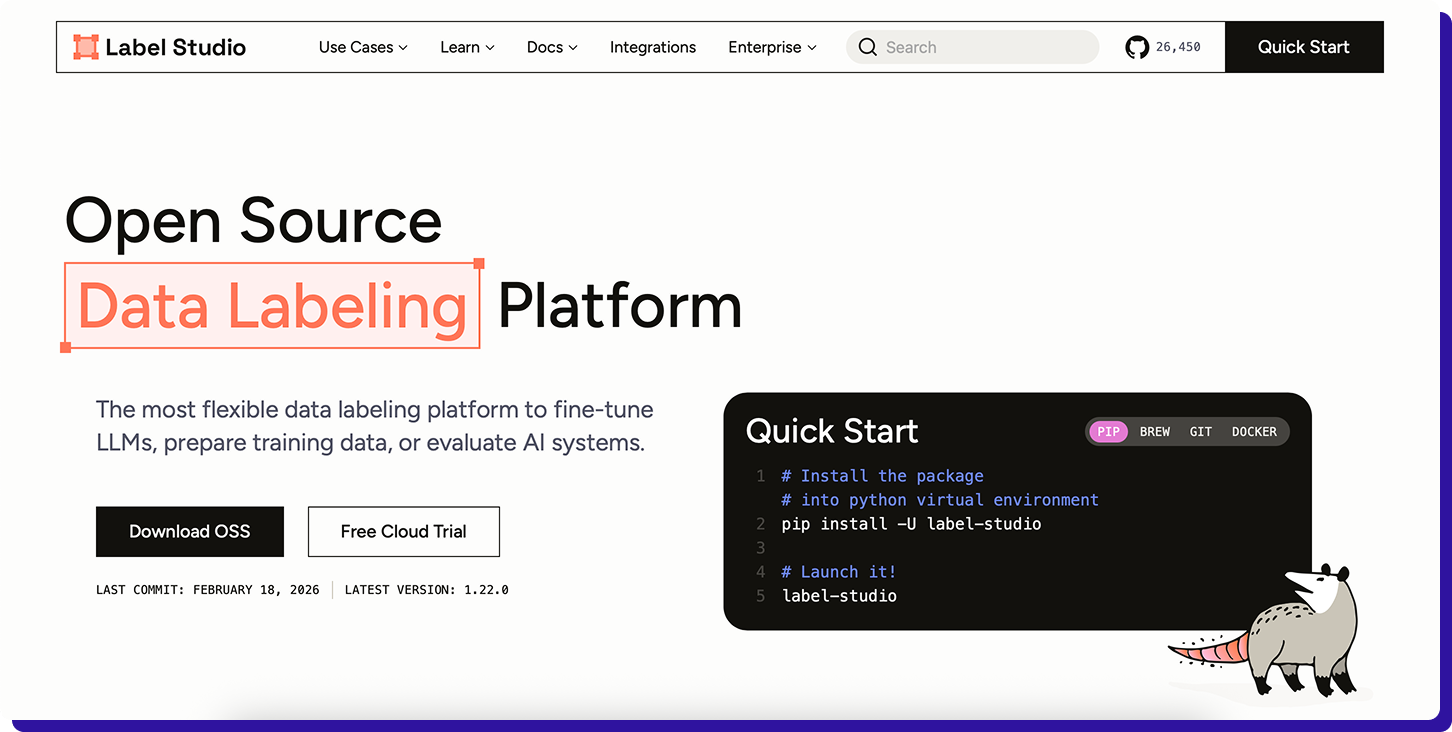
Label Studio is an open-source labeling platform that works well when your project needs flexible label configs and multimodal data in one place. For image annotation specifically, it covers the core CV tasks and has options for importing pre-annotations and exporting into common training formats.
What Label Studio does well
- Flexible annotation templates: you can customize labeling UIs for boxes, polygons, brush masks, and keypoints based on your task.
- Pre-labeling support: import predictions or connect an ML backend so annotators review and correct instead of starting from scratch.
- Export options: supports COCO style export for detection and segmentation projects (and other formats via its export options).
Best for- Teams that want an open source tool that can extend beyond images later (text, audio, multimodal)
- Projects where custom labeling flows and pre-annotations are needed
What to validate before committing
Validate how much configuration your team can realistically maintain. Label Studio is powerful, but if you need a very guided CV-first workflow with built-in dataset management, CVAT may feel more direct. -
VGG Image Annotator
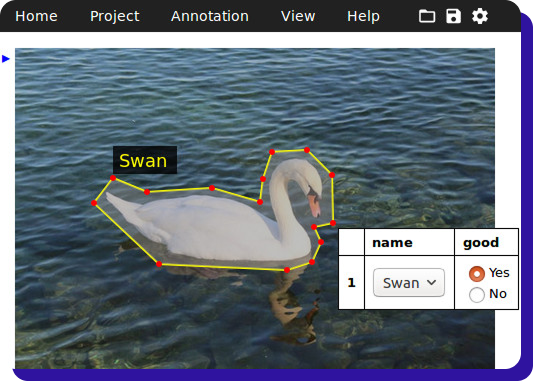
VIA is a simple, browser-based annotation tool from the Visual Geometry Group (Oxford). It runs as a lightweight standalone web app, including an offline mode, which makes it useful when you want a no-frills setup.
What VIA does well
- Lightweight and offline-friendly: works in a browser without heavy setup, and can run locally.
- Good for polygon style labeling: supports common region shapes like rectangles, polygons, and points, which covers a lot of segmentation style work.
Best for- Quick research datasets, student projects, small internal pilots
- Teams that need a tool that runs locally with minimal dependencies
What to validate before committing
VIA is not built for multi-user operations. Validate how you will handle governance reviews, label consistency, and dataset versioning outside the tool. -
Make Sense AI
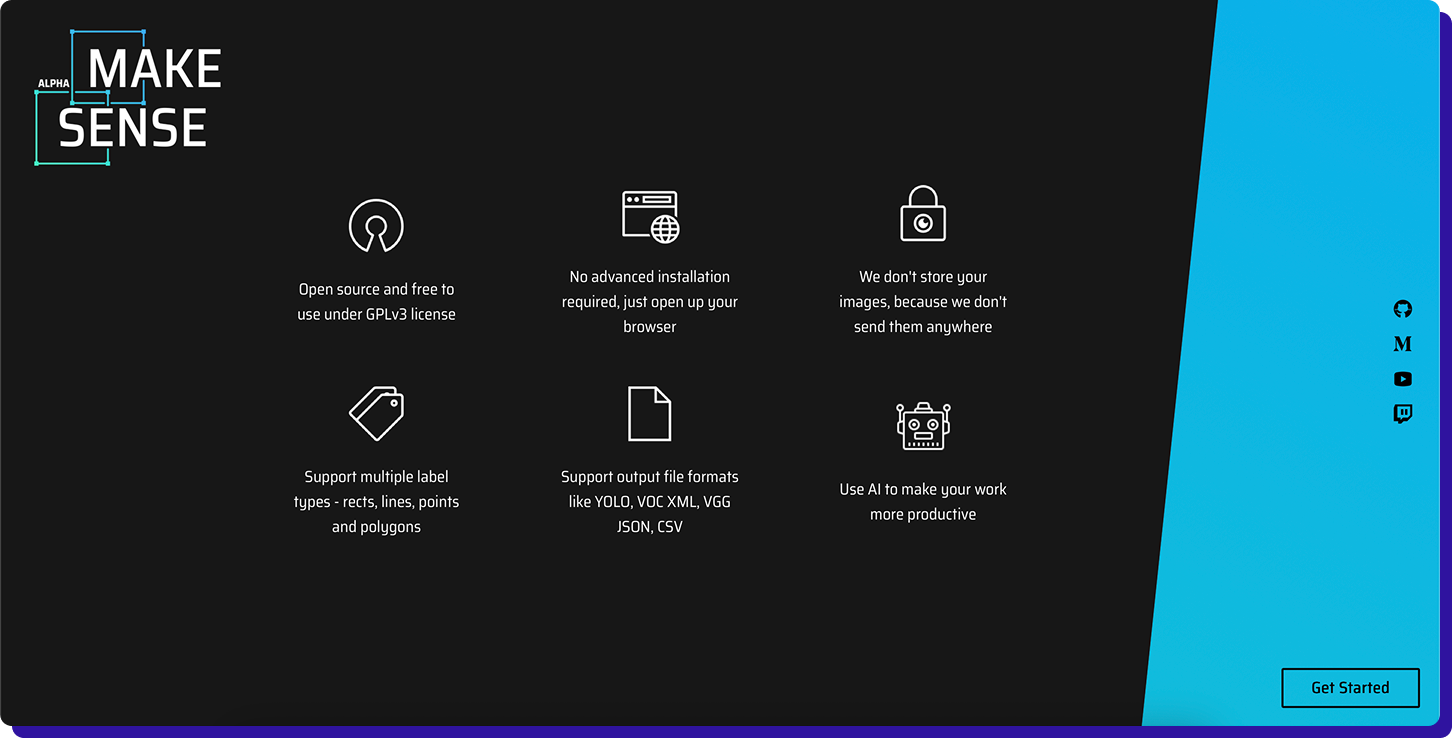
Make Sense AI is an open-source, browser-based annotation tool that is easy to start with. It supports common shapes (boxes, polygons, lines, points) and exports into several practical formats used in CV pipelines.
What Make Sense does well
- Zero setup for many users: runs in the browser, so it is great for quick labeling runs.
- Covers basic CV annotation needs: boxes, polygons, lines, points, with exports such as YOLO and VOC XML.
Best for
- Small teams labeling small to medium datasets fast
- Prototyping when you want to validate a dataset idea before investing in heavier tooling
What to validate before committing
Validate how you will manage collaboration and QA. For long-running projects, you may miss role controls, review workflows, and dataset governance that heavier tools provide.
Running a business-critical labeling program?
Book a TaskMonk walkthrough and see managed QA at scale on your own data.

Factors to Consider When Choosing an Image Annotation Tool
Most open source image annotation tools look similar until you run a real project. The right choice depends on your label type, team workflow, and how labels flow into training.
Before you commit to a tool, validate it against the factors below:
When do you need to move away from open-source image annotation tools?
Open source tools are a good starting point, especially for small datasets, research work, or when you need a quick offline workflow. But when annotation is a business-critical process, the gaps show up fast, mostly around scale, quality control, and workflow management.
You should seriously consider a commercial annotation platform when data governance is non-negotiable, multiple teams collaborate on the same dataset, model-assisted labeling is required, consistent QA at scale, and annotation speed matters too. That is where a tool like Taskmonk can fill the gap
With best-in-class data annotation tools like Taskmonk, you can keep the flexibility of modern tooling while adding what most open source setups lack:
- Data security and governance: role-based access, secure data handling, audit logs, and compliance-friendly workflows for sensitive datasets.
- Annotator-friendly UI at scale: faster tooling, shortcuts, and guided instructions that reduce fatigue and keep labels consistent across large teams.
- AI-assisted labeling: pre-labeling and model-in-the-loop workflows to cut manual effort while keeping humans responsible for final ground truth.
- Built-in QA and review loops: multi-stage review, disagreement handling, and sampling-based audits to keep quality stable across batches.
- Project and workforce management: task routing, workload balancing, productivity tracking, and SLA-style throughput for predictable delivery.
- Dataset lifecycle management: versioning, rework tracking, dataset splits, and clean exports so training does not depend on brittle converters.
- Multimodal support on one platform: manage image, video, text, LiDAR, DICOM, and more in a single workflow as your needs expand.
- Integration and automation: APIs and webhooks to connect annotation to your storage, training pipeline, and evaluation stack.
Global Enterprises from Companies like LG, Flipkart, Myntra, and many more use Taskmonk for image annotation.
Outgrowing open source?
When QA, security, and predictable throughput start to matter, TaskMonk adds managed delivery and multi-stage QA on top of modern tooling.
TaskMonk pricing: Platform access is $60 per active user/month, pay-as-you-go and you're billed only for seats actually used that month, with no feature gates, no minimum commitment, and the full platform (multimodal annotation, AI-assisted labeling, custom QA, API) from day one. Enterprise adds proprietary workflows, private-cloud/on-prem, HIPAA, SSO, and a dedicated CSM (custom).
Prefer to outsource end-to-end?
Fully managed Annotation Services are scoped per project with a fixed quote before any work begins.More details here
Conclusion
Open source tools work well when the job is small and the workflow is simple. As the scope grows, the real challenge shifts to quality, consistency, and operating annotation as a repeatable process.
From the above list of open source image annotation tools, pick a tool that matches your label type, validate exports early, and do a short pilot before committing to a full dataset.
FAQs