Best Data Annotation Tools for Generative AI in 2026
Quick Answer:
The best data annotation tools for generative AI in 2026 are TaskMonk, Scale AI, Amazon SageMaker Ground Truth Plus, Labelbox, and SuperAnnotate. The right pick depends on whether you need a managed workforce, RLHF and evaluation workflows, multimodal coverage, and QA that stays consistent as rubrics change weekly.
TL;DR
Generative AI annotation is an ongoing workflow:— instruction (SFT) data,preference/RLHF data, safety review, and evaluation sets, not a one-time labeling project.
Judge AI data annotation tools on four things: ranking/scoring workflows, editablerubrics, automation that flags uncertainty, and security/compliance fit.
This guide compares five tools teams actually shortlist: TaskMonk, Scale AI, Amazon SageMakerGround Truth Plus, Labelbox, SuperAnnotate.
TaskMonk pairs a rubric-first platform with managed delivery :built for GenAI programswhere guidelines change often and quality has to stay stable.
Introduction
In generative AI, data annotation means turning human judgment into training and evaluation signals.
Two annotators can read the same prompt and response and disagree for valid reasons. Multiply that across thousands of tasks, multiple domains, and weekly rubric updates, and you get the real bottleneck.
You are not labeling objects or tagging classes. You are standardizing human judgments that become supervised fine-tuning data, preference data (RLHF-style), safety labels, and evaluation benchmark so the model learns the behavior you actually want.
That is why GenAI data annotation tools are shifting toward end-to-end workflows.
There is also a practical procurement reality. For many teams, the tool is selected as much for governance as for speed. Managed services, expert workforces, auditability, and clear security controls increasingly decide the shortlist, especially when sensitive data and enterprise stakeholders are involved.
What Is Data Annotation in the Context of Generative AI?
In generative AI, data annotation is the process of turning human judgment into training signals and evaluation signals.
Instead of labeling what is in an image or tagging a class in text, you are judging whether an output is helpful, accurate, safe, on-brand, complete, and aligned with a rubric.
This shows up as structured tasks such as writing better answers, ranking two responses, scoring an output across criteria, tagging policy violations, or extracting facts from long-form content. The goal is to make subjective evaluation repeatable, so the model learns consistent behavior.
What gets annotated for generative AI data annotation?
Most GenAI annotation work falls into a few common categories:
- Supervised fine-tuning data (SFT): High-quality prompt response pairs that demonstrate the behavior you want
- Preference data (RLHF style): Comparisons where annotators choose which output is better, or score outputs on a scale
- Safety and policy labels: Refusal correctness, harmful content flags, sensitive attribute handling, jailbreak patterns
- Evaluation datasets: Stable benchmarks that track quality over time across factuality, tone, completeness, and safety
- Multimodal alignment: Matching text to images, audio, video, or documents, and labeling whether the output respects the full context
Key Features to Look For in a Data Annotation Tool
A good data annotation tool does more than collect labels. It helps you run repeatable GenAI workflows, keep quality consistent as teams scale, and connect cleanly into your training and evaluation pipeline.
Running RLHF or evaluation data in-house and watching quality drift?
See how TaskMonk keeps preference and eval data consistent as rubrics change.

How to Choose the Right Data Annotation Tool for GenAI
Best 5 Data Annotation Tools for Generative AI
-
Taskmonk
Taskmonk is a data annotation platform with managed delivery that is designed for GenAI workflows where rubrics change often and quality needs to stay consistent across reviewers.
It supports LLM and AI agent data labeling with governed steps for rubric design, execution, sampling, and auditability, so teams can move from raw inputs to export-ready datasets without losing lineage.
Best for
Teams building LLMs, AI agents, and multimodal GenAI systems that need repeatable workflows for instruction data, preference data, safety review, and evaluation sets.
Why Taskmonk stands out for generative AI data annotation?
-
Rubric-first workflow design
Taskmonk lets teams define rubrics, exemplars, and gold tasks, then attach guideline lineage to every record. This is useful when you need consistent scoring across many annotators and frequent policy updates. -
Quality controls that prevent drift
Taskmonk’s guidance emphasizes measurable QA methods like gold sets, consensus checks, adjudication, and reviewer analytics. This helps keep preference data and eval sets stable as volume grows. -
Human feedback loops that fit the RLHF style work
For GenAI, the Taskmonk platformfocuses on tighter human feedback loops and the ability to generate ground truth and audit model predictions. That maps well to ranking, scoring, and review workflows used in post-training and evaluation. -
Automation that stays reviewable
Taskmonk’s recent guidance on labeling programs recommends using AI assist for easy items while routing low-confidence cases to senior reviewers, then documenting decisions so guidelines improve over time. That is the practical way to scale without hiding errors. -
Multimodal coverage for GenAI roadmaps
If your GenAI product becomes multimodal, Taskmonk positions multimodal annotation as a single workspace across images, text, audio, video, 3D and documents with shared workflows and QA rules. -
User feedback on usability and support
Verified G2 reviews highlight quick onboarding, an intuitive interface, and quality control features that help accuracy without slowing workflows, plus responsive support.
-
Rubric-first workflow design
-
Scale AI
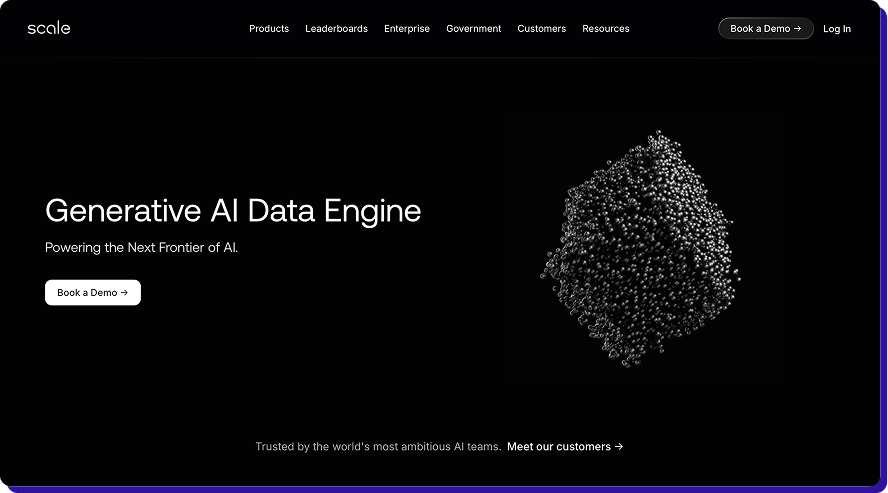
Scale AI is best known for its Data Engine and Generative AI Data Engine, built to produce RLHF data, model evaluation data, and safety and alignment datasets for large language models.
The tradeoff is that it can be heavier-weight than teams expect, with less flexibility for lightweight self-serve setups, and it may be costlier than tool-only platforms when you need frequent iterations
Best for
Teams that need RLHF-style data and evaluation sets delivered at speed, with access to a large, managed workforce.
Why Scale AI stand out for generative AI data annotation?
- RLHF-first workflows: Scale is built around preference data collection. Pairwise ranking, scoring, and alignment style tasks are central to how it positions its GenAI offering.
- Strong managed delivery capacity: If you need large batches completed on tight timelines, Scale’s delivery model is designed around operational throughput and program execution, not just providing a tool.
- Specialist and expert task coverage: GenAI evaluation often needs subject knowledge, not generic labeling. Scale emphasizes access to domain-skilled reviewers for complex judgment tasks.
- Evaluation and safety data as core outputs: Beyond training data, Scale also positions evaluation and safety style datasets as a key part of its offering, which helps when you are tracking quality across model releases.
-
Amazon SageMaker Ground Truth Plus
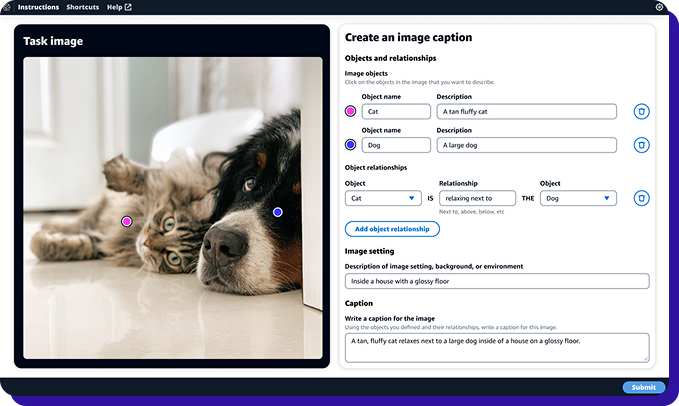
Amazon SageMaker Ground Truth Plus is AWS’s turnkey, managed data labeling service. Instead of only giving you a labeling interface, it pairs SageMaker labeling workflows with an expert workforce so teams can produce training datasets without building labeling apps or running a workforce in-house.
The limitations are that it is AWS-native by design, so teams with multi-cloud stacks or non-AWS data governance may face more friction. Commercial terms and delivery processes can be less transparent than a pure SaaS tool when you want fine-grained control over day-to-day ops.
Best for
Teams already running ML on AWS that want managed labeling inside the SageMaker stack, with straightforward handoff into training workflows.
Why Ground Truth Plus stands out for generative AI data annotation?
-
Turnkey managed labeling with an expert workforce
You upload data and requirements, and Ground Truth Plus sets up and runs the labeling workflow for you using AWS-employed labelers or vetted third-party vendors. This is useful when you want output without building internal ops. -
Clean fit inside AWS training pipelines
If your GenAI stack already lives on AWS, Ground Truth Plus fits naturally with S3 and SageMaker workflows. That reduces handoffs, keeps permissions centralized, and simplifies operational plumbing. - Cost and delivery advantages for recurring programs AWS positions Ground Truth Plus as a way to reduce labeling costs by up to 40 percent while delivering high-quality annotations quickly, which matters when you are running repeated evaluation and preference data cycles.
-
Turnkey managed labeling with an expert workforce
-
Labelbox
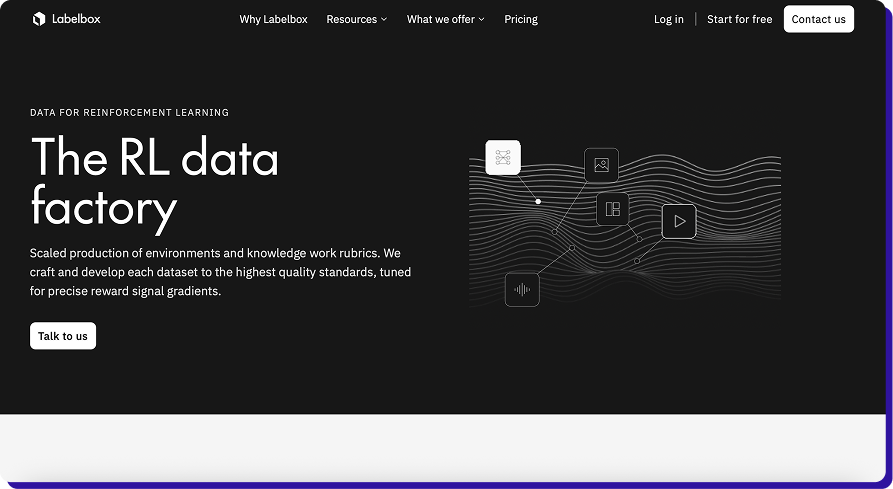
Labelbox positions itself as an AI data factory for building and evaluating generative AI systems. It combines a labeling platform with managed labeling services through its Alignerr network, which is useful when you need preference data, human evaluation, and post-training datasets delivered at speed.
The tradeoffs are that costs can rise quickly for ongoing human-eval programs, and teams sometimes need additional process design to keep rubric changes, reviewer calibration, and disagreement resolution consistent at scale.
Best for
Teams running RLHF-style workflows and human evaluation programs who want a single platform for tooling plus access to expert labeling capacity.
Why Labelbox stands out for generative AI data annotation
-
RLHF and human evaluation workflows
Labelbox explicitly supports RLHF-style data collection, including workflows where annotators compare outputs, score responses, and rewrite completions. That maps well to preference data and evaluation tasks used in post-training and release gating. -
Model-assisted labeling and pre-labeling
Labelbox supports model-assisted labeling through Foundry and promotes task-specific models that can pre-label images and videos, helping reduce manual effort on repeated patterns. This is useful when you want humans to focus on corrections and edge cases. -
Managed services and expert staffing via Alignerr
If you do not want to build an internal evaluator operation, Labelbox offers fully managed labeling and human evaluation services, and also a way to hire experts directly through Alignerr Connect. This is relevant for specialized domains and multilingual tasks.
-
RLHF and human evaluation workflows
-
SuperAnnotate
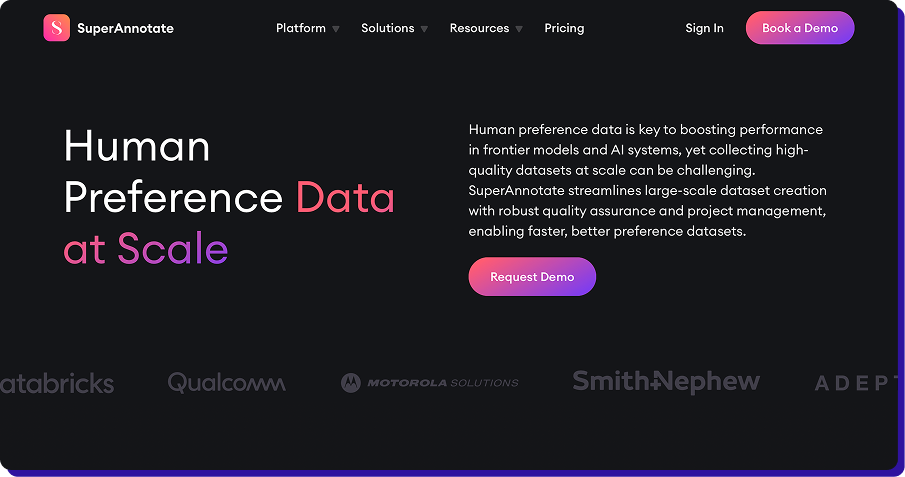
SuperAnnotate is a data annotation platform built for teams that want strong control over annotation workflows and analytics, especially for computer vision projects. It is commonly evaluated when teams need configurable project setup, clear QA routing, and visibility into annotator performance across large labeling programs.
G2 reviews flag performance and usability friction in real projects: reviewers mention slow loading and performance issues at scale, limited customization and export control, and occasional annotation/UI issues can complicate workflows.
Best for
Computer vision teams that want flexible workflow configuration, detailed QA reporting, and strong project oversight.
Why SuperAnnotate stands out for generative AI data annotation- Workflow flexibility and project control: SuperAnnotate is a strong fit when you want to design how tasks move through label, review, and corrections, with clear roles and routing for different reviewer levels.
- Quality analytics and performance visibility: Teams use SuperAnnotate for tracking quality signals across labelers and batches, which helps spot drift early and tighten guidelines before it turns into large-scale rework.
- Model-assisted and automation support: It supports automation features that can speed up repetitive labeling, so humans focus more on edge cases and judgment calls that affect dataset quality.
TaskMonk pricing:
Platform access is $60 per active user/month, pay-as-you-go and you're billed only for seats actually used that month, with no feature gates, no minimum commitment, and the full platform (multimodal annotation, AI-assisted labeling, custom QA, API) from day one. Enterprise adds proprietary workflows, private-cloud/on-prem, HIPAA, SSO, and a dedicated CSM (custom).
Prefer to outsource end-to-end?
Fully managed Annotation Services are scoped per project with a fixed quote before any work begins.More details here
Want to see how you'd actually run this?
Run your real prompts and rubric through a TaskMonk pilot and measure agreement, rework, and turnaround before you commit.
Conclusion
Generative AI annotation is not about labeling faster. It is about getting consistent, measurable & repeatable judgment into your training and evaluation loops, week after week.
The tool you pick should make it easy to run the workflows that matter most, such as instruction tuning, preference ranking, safety review, and release evaluations, while keeping quality measurable and stable.
A practical way to choose is to shortlist two or three tools and run the same pilot workflow in each. Use a small but representative dataset. Measure agreement rate, rework rate, turnaround time, and how quickly your team can update the rubric without breaking consistency.
The best tool is the one that keeps these numbers predictable as volume and complexity increase, and that fits your security and integration requirements from day one.
Compare on your own data.
Book a demo and TaskMonk will run your files through a pilot.
FAQs