


TL;DR
Choosing a Video Annotation Platform is tricky when all the tools look similar. The real differences only show up at scale, like when QA breaks, tracking drifts, or delivery timelines slip.This guide cuts through that by comparing platforms based on how they scale, enforce quality, and perform in real-world AI workflows, not just features.
Video labelling platforms covered in this blog are
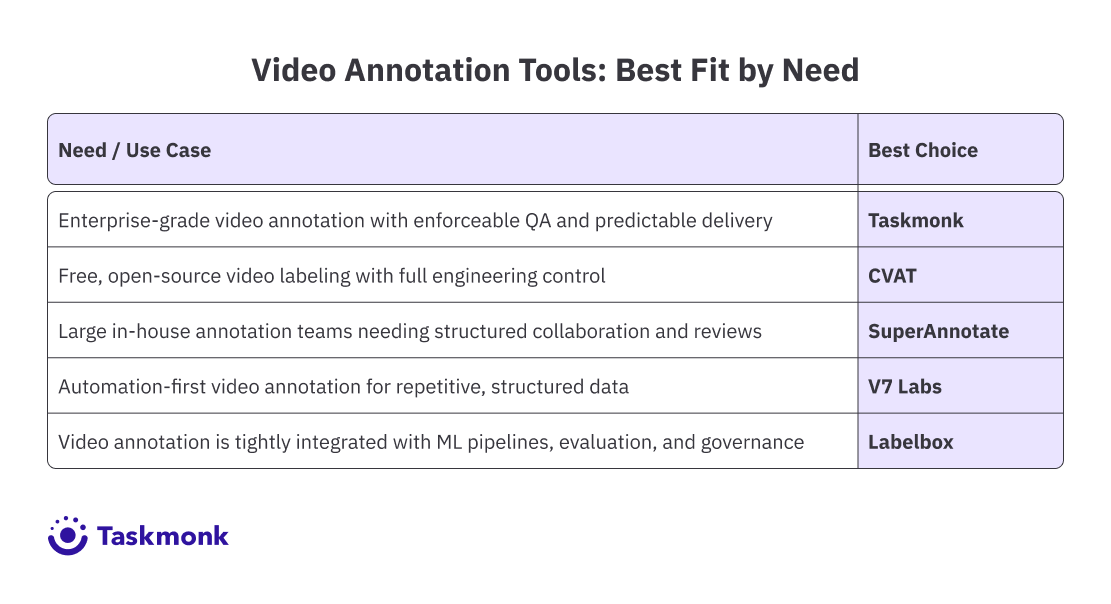
- Taskmonk: Enterprise-grade annotation with enforceable QA and predictable delivery
- CVAT: Open source, manual-first tool for technical teams
- SuperAnnotate: Structured collaboration for large in-house teams
- V7 Labs: Automation first for repetitive video data
- Labelbox: ML-integrated annotation for mature AI pipelines
Introduction
When an AI model underperforms, the problem rarely lies with the model; more often, in computer vision, it lies with the annotations. Most teams only realize this once accuracy starts slipping.
Video annotation has a way of humbling even the most confident AI teams. What looks simple on the roadmap, “label some video and train the model”, quickly turns into thousands of frames, moving targets, edge cases, and debates over what actually counts as correct. Before long, accuracy drops, timelines slips and all eyes turn to the data.
That’s where video labelling platforms come in, and bring confusion along.
On the surface, you might find that all the platforms look the same.
- Bounding boxes?✅
- Object tracking? ✅
- AI-assisted labelling? Everyone says they have it, but once you pass the demo and start working with real data, the differences become hard to ignore.
This blog is for the team who have felt this pain, the enterprise building AI/ML models, computer vision applications, and automated video analysis systems. Teams that just don’t want to label videos, but want to do it consistently, reliably, and at scale, so annotation quality doesn’t become a bottleneck as datasets, teams, and delivery pressure grow.
In this guide, we break down the best video annotation platforms in 2026, what they actually offer, how they differ in real-world use, and which ones are built for serious AI work, not just polished pilots.
What is a Video Annotation Tool
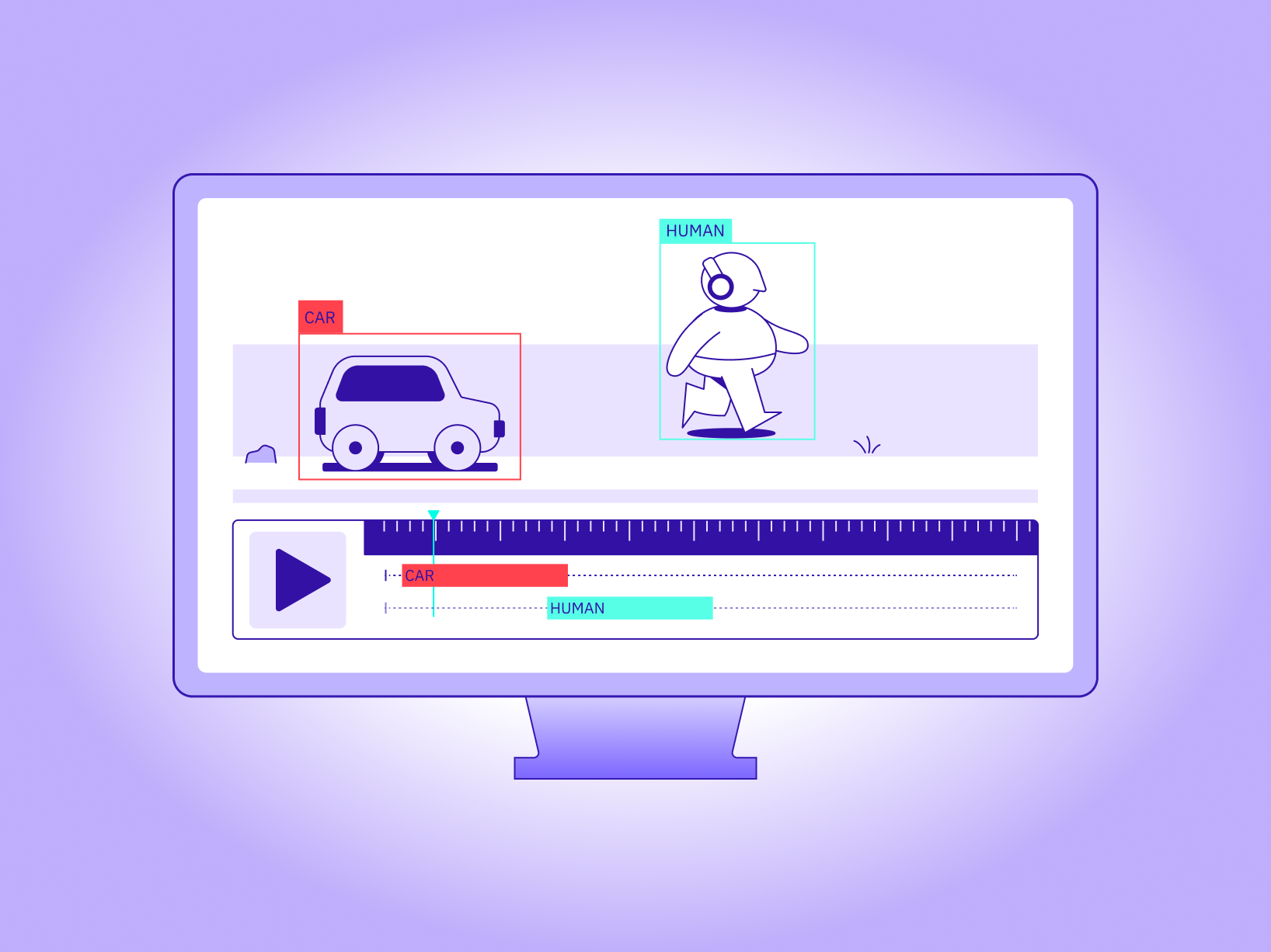
A video annotation tool is software that helps teams label objects, actions, and events in video data so an AI model can learn from it. What these tools do is they don't consider video as a single file; instead, they break it down frame by frame and attach meaning to what’s happening on the screen.
Video annotation platforms are used to
These video data serve as the foundation for tasks such as object detection, tracking, activity recognition, and automated video analysis.
How did we compare these video annotation tools?
We compared these video annotation tools based on four practical criteria that determine how well they perform in production beyond pilots.
Each platform was evaluated on
Top 5 Video Annotation Tools
-
Taskmonk
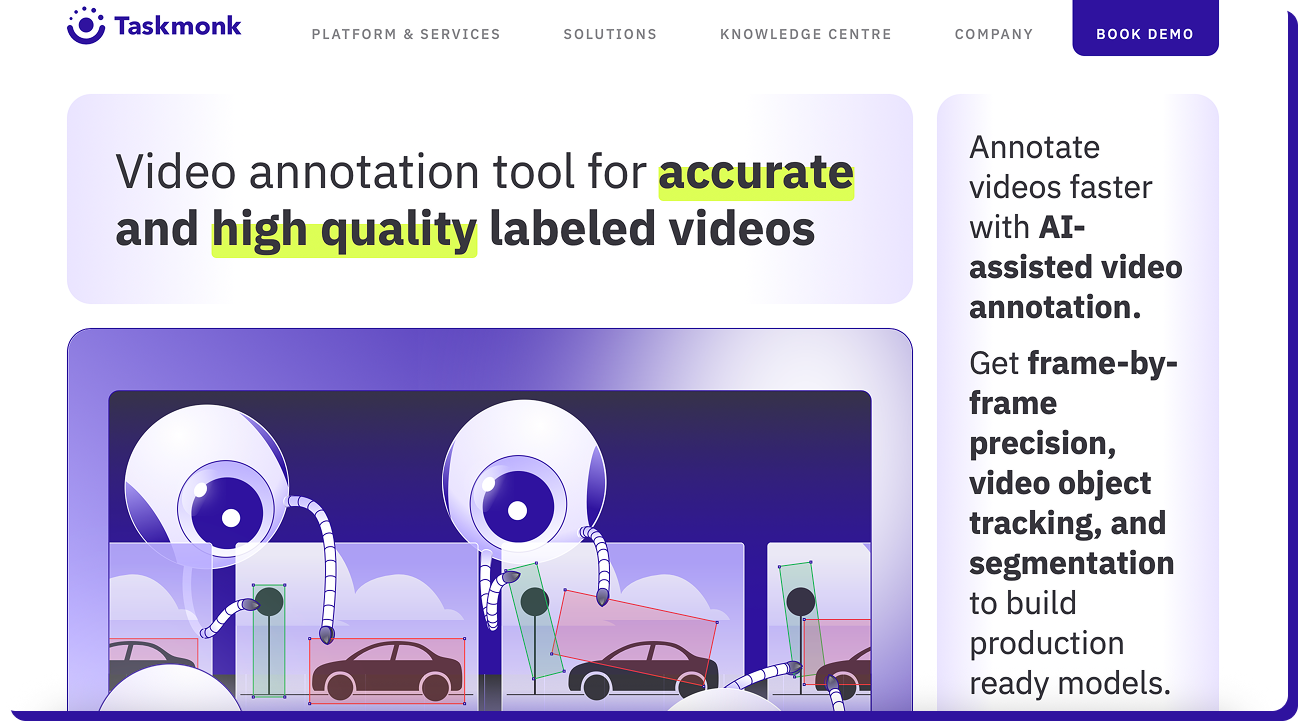
Taskmonk approaches video annotation as a data operations problem, alongside AI-assisted labelling, a structured workflow, and human-in-the-loop quality checks.
Its video annotation capabilities support common computer vision tasks, including object detection, frame-level tracking, segmentation, and keypoint detection. It uses AI models to pre-label and track objects across frames, with humans reviewing and refining the output. Taskmonks’ AI-assisted prelabeling reduces manual effort, while human reviewers validate and refine annotations to maintain predicted quality as datasets grow. Taskmonk is designed for teams running ongoing annotation programs.
Why TaskMonk Stands Out as a Video Annotation Software:
- AI-assisted labelling that reduces manual efforts Taskmonks uses model-assisted annotation to pre-label objects and track them across frames. This helps annotators improve their annotation speed, as they don't have to do it from scratch and can instead focus on reviewing and correcting.
- Built-in object tracking across video frames This feature enables annotators to track objects through a sequence, making it practical to work with long videos and high frame counts.
- Structured QA workflows you can actually enforce Taskmonk supports configurable quality workflows, such as maker-checker and multi-level review. These workflows are embedded into how work moves from one stage to another.
- Parallel labelling for high-risk datasets. For use cases where subjectivity is a risk, Taskmonk supports parallel annotation, followed by comparison and consensus. This is useful for complex video scenarios and enterprise-grade datasets.
- Designed for operational scale, not just scenarios Taskmonk is built to handle large annotation teams, clear task routing, and predictable throughput. This makes it easier to ramp up or down projects without compromising quality standards.
Best For
Taskmonk is best for teams running ongoing video annotation programs, building computer vision systems that require consistent, high-quality video annotations across large datasets, and for teams working with long or complex video object tracking, review workflows, and QA.
Not Ideal for
Taskmonk is not suitable for teams looking for a quick, single-user video labelling tool, or for projects that require minimal setup and no structured workflow. -
CVAT
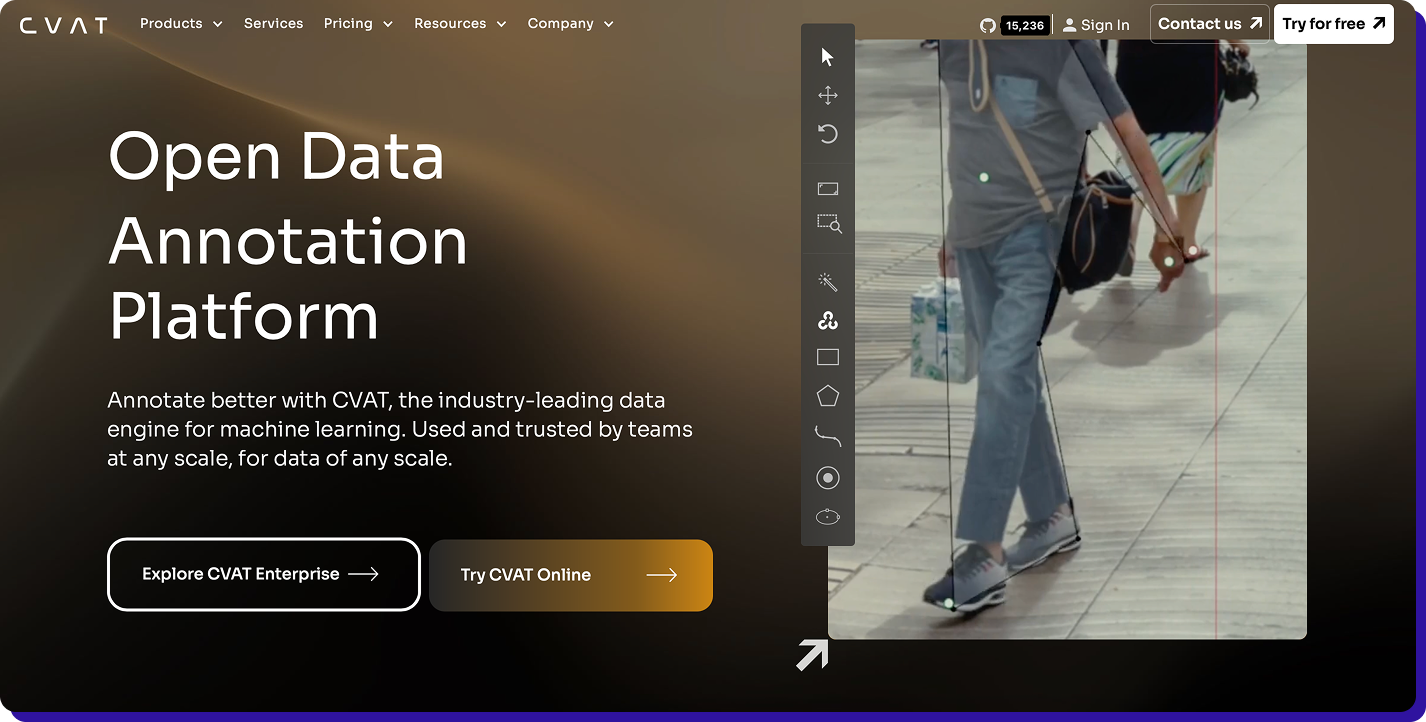
CVAT’s video annotation capabilities emphasise manual precision while offering technical flexibility. It supports bounding boxes, polygons, segmentation masks, keypoints, cuboids, and frame interpolation. This allows annotators to label keyframes and automatically propagate annotations across frames.
Why CVAT stands out as a video annotation software
-
Strong manual control over video labelling
CVAT gives annotators fine-grained control over how objects are labelled frame by frame. -
Frame interpolation reduces manual work
Although annotators label objects and key frames, CVAT handles interpolation. This helps in speeding up annotation. -
Wide support for annotation types
CVAT supports a broad range of annotation formats, including bounding boxes, polygons, segmentation marks, keypoints, and 3D cuboids.
Best for
CVAT is best for engineering-driven teams that want full control over annotation workflows and for projects where manual accuracy is more important than speed.
Not ideal for
CVAT is not ideal for enterprises seeking out-of-the-box workflows, governance, and teams that require AI-assisted pre-labelling as a core feature. -
Strong manual control over video labelling
-
Super Annotate
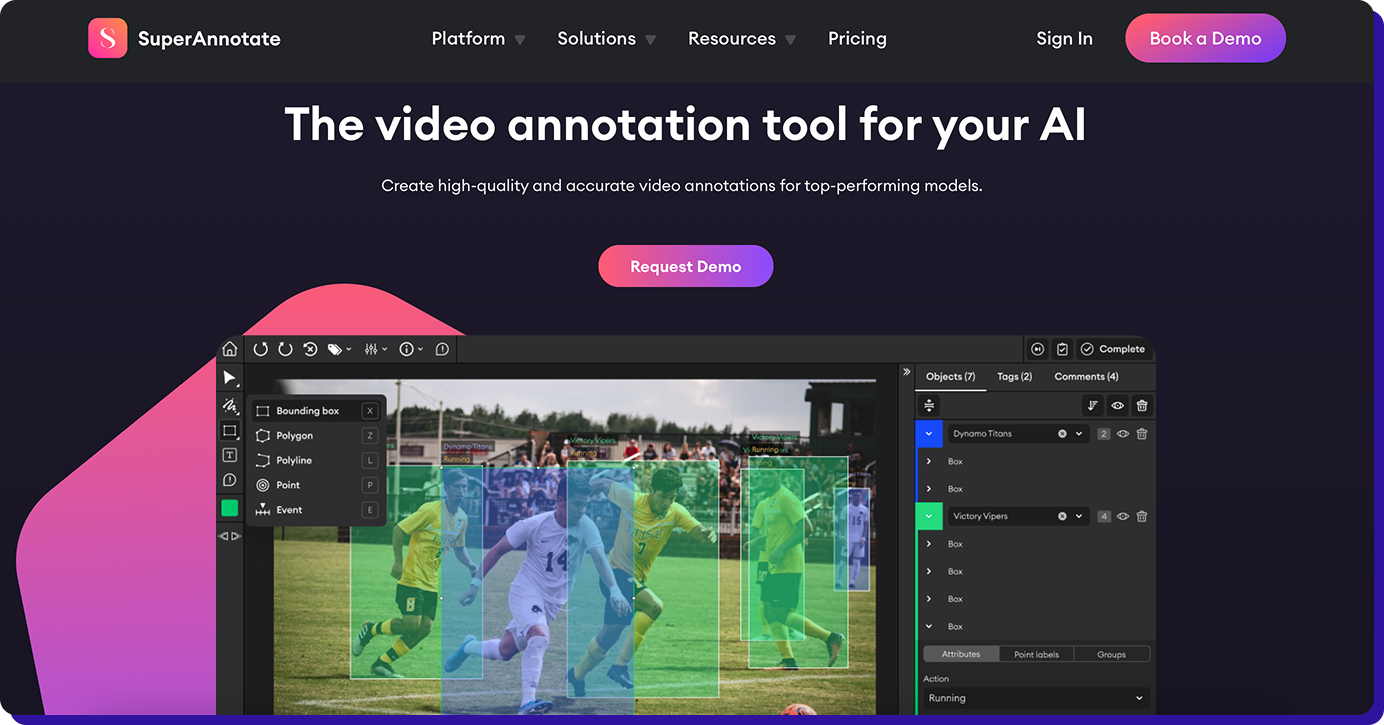
SuperAnnotate supports common video annotation tasks, including object detection, segmentation, keypointing, and tracking. Its video annotation offering combines strong manual labelling tools, collaboration features, and built-in quality review. This makes them well-suited for organizations that already have annotation teams and want better structure, visibility, and control.
Why SuperAnnotate stands out as video annotation software
-
Manual annotation experience
SuperAnnotate offers polished tools for frame-by-frame video annotation, including bounding boxes, polygons, segmentation masks, and keypoints. -
Structured review and quality check
SuperAnnotate provides built-in review workflows and quality monitoring, enabling managers to track progress, review outputs, and enforce consistency over annotators. -
Optional AI assistance
Though it has some AI-assisted features, annotation is still largely manual first. AI helps speed up the part of the process, but humans remain responsible for labelling work.
Best for
SuperAnnotate is best for enterprises with in-house annotation teams and those seeking better collaboration and QA.
Not ideal for
SuperAnnotation might be less suitable for teams looking for a fully managed annotation service, and for organisations that want to handle most of the labelling automatically. -
Manual annotation experience
-
V7
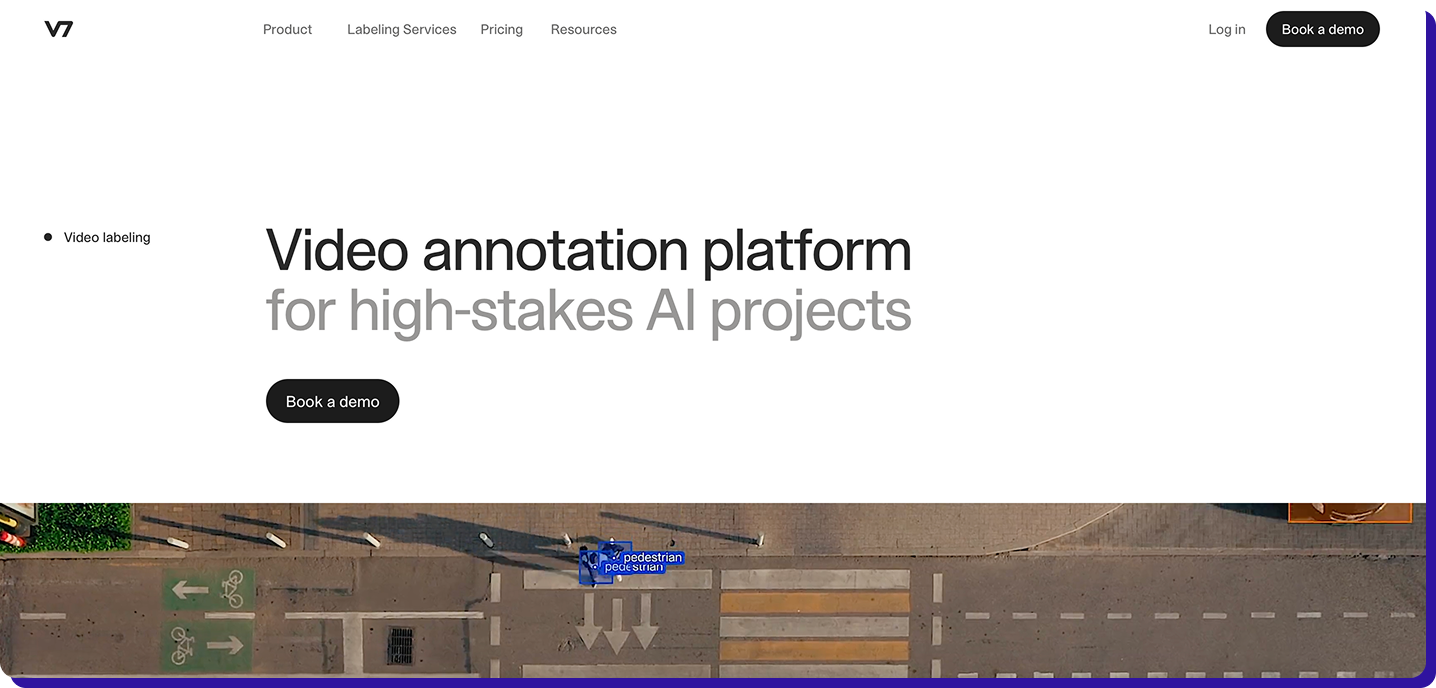
V7 Labs is an AI-first video annotation platform designed to minimise manual labelling. V7 focuses heavily on model-assisted annotation, in which AI generates labels and humans review and correct them.
V7’s approach is best suited for projects where annotation tasks are structured and repeatable. Its video annotation capability supports object detection, tracking, and segmentation with a strong emphasis on automation and continuous learning.
Why V7 stands out as video annotation software
-
AI-first annotation workflow
V7 uses trained models to automatically detect and label objects in video frames. Annotators just have to validate, correct, and refine predictions. -
Object tracking across frames
Once objects are identified, V7 tracks them across frames, enabling annotation of long videos without frame-by-frame annotation. -
Flexible annotation types
V7 supports common video annotation formats, including bounding boxes, polygons, and segmentation masks, with a continuous learning loop in which model predictions improve as human corrections are fed back.
Best for
V7 is suitable for teams working with repetitive, structured video data and organisations that want to minimise manual labelling effort.
Not ideal for
V7 may be less suitable for teams that need a fully managed annotation service and for use cases that are sensitive or involve frequent label changes. -
AI-first annotation workflow
-
Labelbox
Labelbox is a data labelling platform that positions annotation as a part of a broader ML lifecycle. Its video annotation capability supports frame-level and sequence-based labelling for tasks such as object detection, segmentation, and key points. They emphasise model-assisted labelling, analytics, and workflow integration, making them a stronger fit for teams running mature AI pipelines.
Why Labelbox stands out as a video annotation platform
-
Model-assisted labelling at its core
Labelbox uses ML models to generate pre-labels for video data, which annotators then review and correct. This reduces efforts while keeping humans in control of quality. -
Timeline-based video annotation
Not just frames; Labelbox annotators can annotate across timelines. This is particularly useful for action recognition, behaviour tracking, and long-form video analysis. -
Strong ML workflow integration
The label box connects annotation to dataset versioning, model evaluation, and feedback loops. This way, the teams can see how label quality impacts model performance and iterate accordingly.
Best for
Labelbox is best for enterprises with mature AI pipelines and AI teams that want annotation tightly connected to model training and evaluation.
Not ideal for
Labelbox may not be suitable for teams looking for a fully managed annotation operation or for organizations that want minimal setup and no workflow configuration. -
Model-assisted labelling at its core
How to Choose the Right Video Annotation Service Platform?
In this blog, we have covered Taskmonk, CVAT, SuperAnnotate, V7labs, and Labelbox.
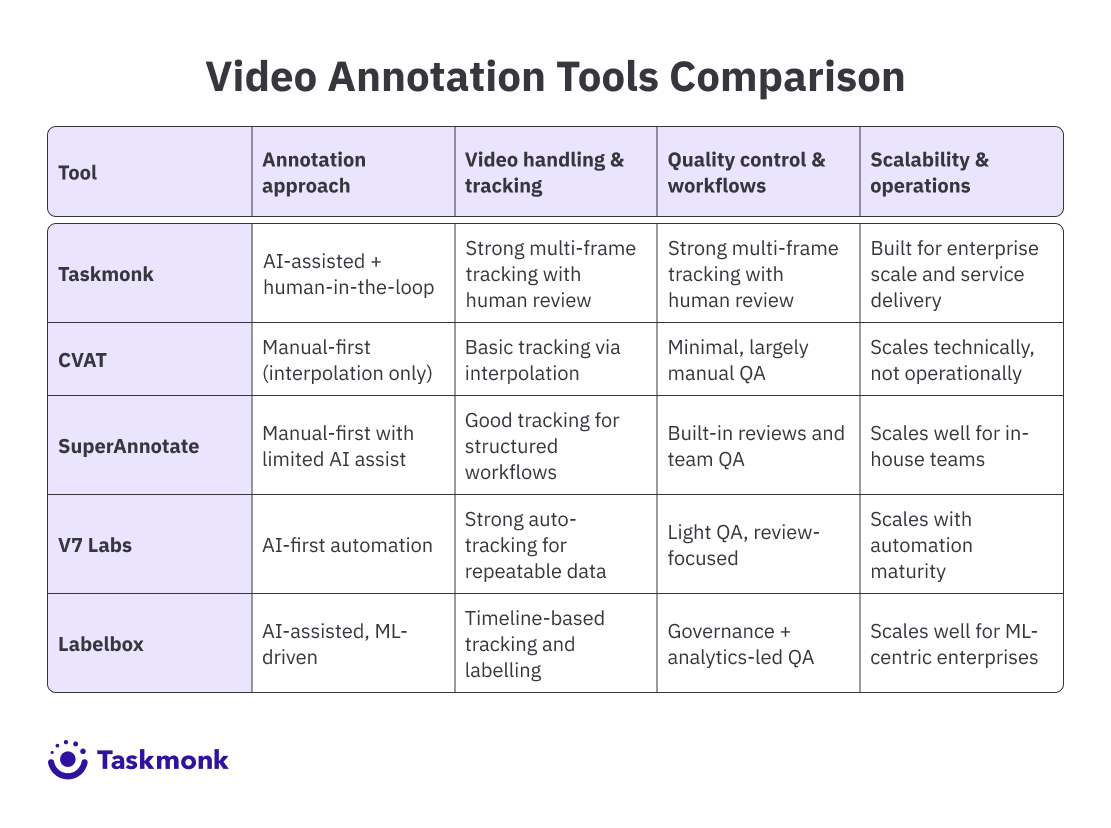
Though all these tools do video annotation, they solve very different problems. The right choice depends on whether you are optimizing for control, automation, internal scale, or enterprise-grade operations. The table below shows which tool to choose based on your requirements.
Conclusion
Each video annotation platform covered here serves a different purpose, from manual control to automation and ML pipeline integration. The right choice depends on how your team operates today and how much scale and quality you need to support tomorrow.
That being said, Taskmonk stands out in this list, particularly for teams that see video annotation as a part of the larger production workflow, not just a labelling task. By combining AI-assisted annotation with enforceable QA and delivery-ready processes, it helps teams move beyond demos and build computer vision systems that work in the real world.
For enterprises working with large-scale video data, that operational focus can make the difference between computer vision models that perform well in demos vs those that perform in the real world
FAQs
.png)
.png)
